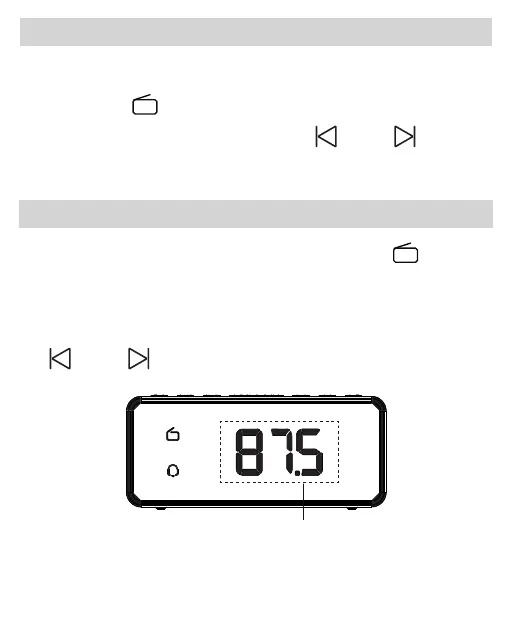
Please extend the FM antenna on the back of the clock.
Auto-scan Radio Station
1.When the radio is on, press and hold the “ ” button
2S, FM radio will scan and auto-store the scanned
stations. Once the station search is completed, the first
station will be played automatically. Then press the
“ ” or “ ” button to select your favorite channel.
Manual-scan Radio Station
1.Press the “ ” button to turn the radio mode on or off.
2.When the radio is on, press the “ ” or “ ” button
to manual select your favorite channel.
11
Blink Once



 To Next Page