178 Infotainment System
1. Touch the Home Page
Destination button to display
the Select from Map screen
button. Touch this button to
display the map screen with a
scroll symbol centered on
the map.
2. Touch the Zoom in/out button
on the screen and touch the
map to locate the destination to
select. Touch and hold a finger
on the map to activate fast
scrolling.
3. Touch the Go button on the
bottom of the screen to display
the Destination Confirmation
screen.
4. Touch the Start Guidance
screen button. The route
calculates.
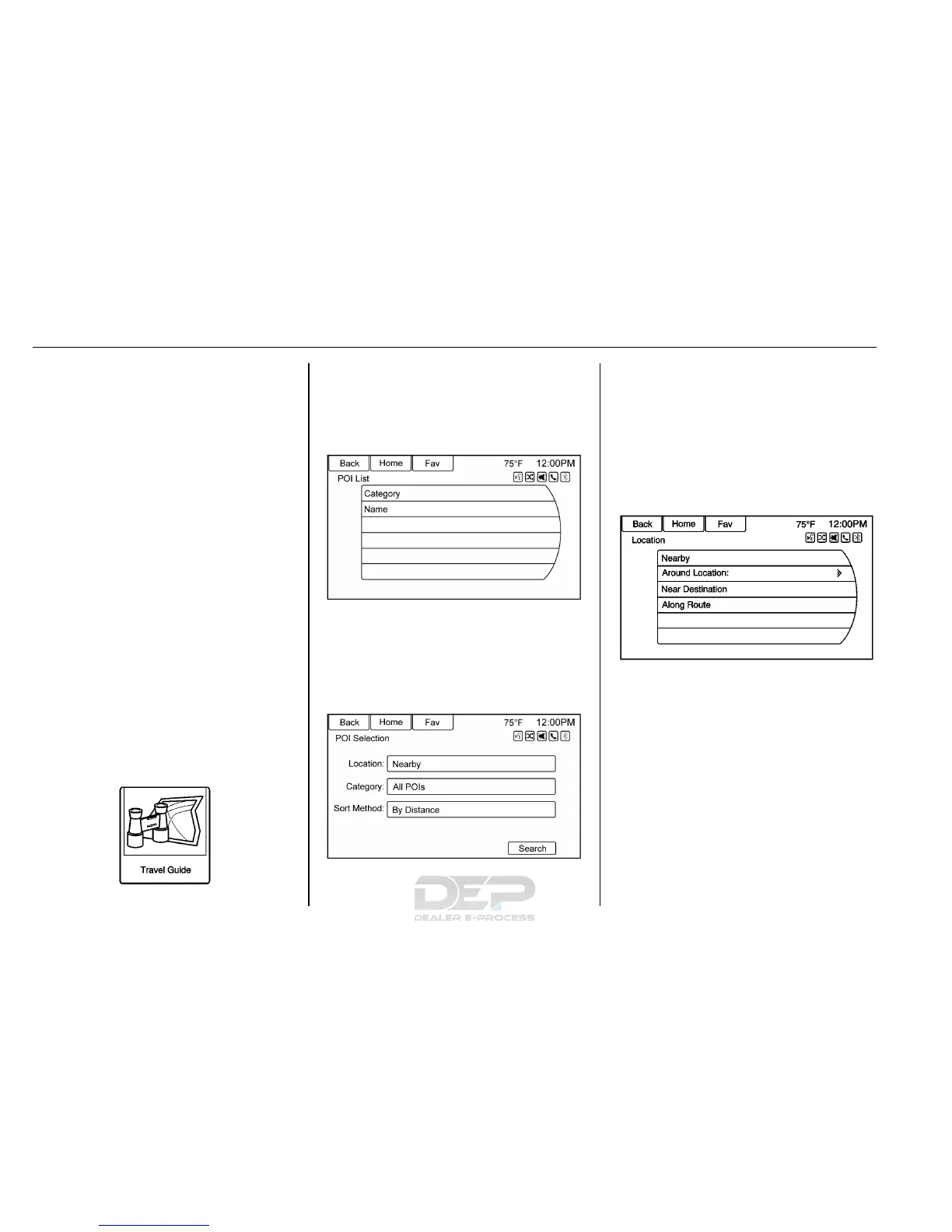
Travel Guide
Touch Travel Guide on the
Destination Entry page. Several
options can be selected to plan a
route.
The Travel Guide POI entry list
allows selection of a destination
search by category or name.
Entering by POI Category
1. Select Category from the POI
List menu to access the POI
Selection screen display.
2. Enter the necessary
information by first selecting
the location line item to access
the Location menu.
3. Select any of the line options
such as Nearby.
4. Select Category from the POI
Selection menu to access the
POI List.













 To Next Page