7
Cruise Control
Driver Information Center
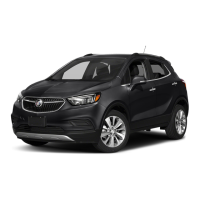
DIC Controls
A. MENU
Press to display the Vehicle Information
menu (units, tire pressure, remaining
oil life) or the Trip/Fuel Information
menu (digital speedometer, trip odom-
eters, fuel range, average fuel economy,
instantaneous fuel economy, average
vehicle speed, timer, OnStar Turn-by-
Turn guidance navigation
F
).
B.
Rotate the switch to scroll through the
items of each menu.
C. SET/CLR
Press the button on the end of the lever
to set a menu item or clear a message.
Press and hold the button to reset a
menu item.
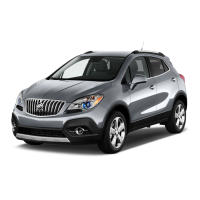
The Driver Information Center (DIC) on the instrument cluster displays a variety of vehicle
system information and warning messages.
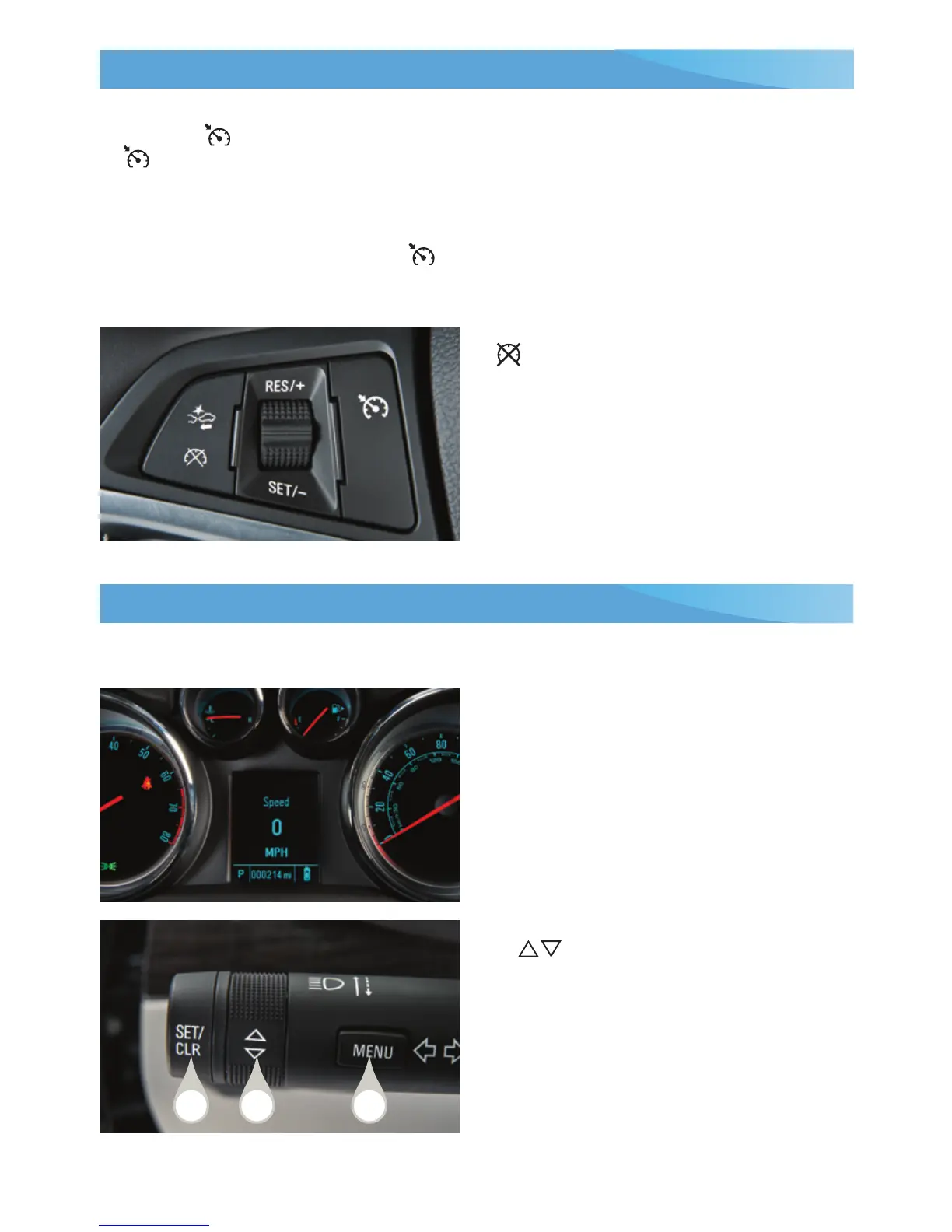
Setting Cruise Control
1. Press the On/Off button. The
Cruise Control symbol will illumi-
nate in white on the instrument cluster.
2. When traveling at the desired speed,
rotate the thumbwheel down to the
SET position to set the speed. The
symbol will illuminate in green on the
instrument cluster.
Adjusting Cruise Control
RES/+ Resume/Accelerate
Rotate the thumbwheel up to resume
a set speed. When the system is active,
rotate the thumbwheel up to increase
speed.
SET/– Set/Coast
When the system is active, rotate the
thumbwheel down to decrease speed.
Cancel
Press to cancel the cruise control
but retain the set speed in memory.
Pressing the brake pedal also will cancel
the cruise control.
Turn off cruise control or the vehicle igni-
tion to erase the cruise control set speed.
See Driving and Operating in your Owner Manual.
See Instruments and Controls in your Owner Manual.
F
Optional equipment
C B
A










 To Next Page