17
Driver Assistance Systems
The driver assistance systems use advanced technologies to help avoid collisions by
providing visual and audible alerts under some imminent collision conditions.
Forward Collision Alert
F
– When approaching a vehicle directly
ahead too quickly, the system ashes a visual alert on the wind-
shield and sounds an audible tone.
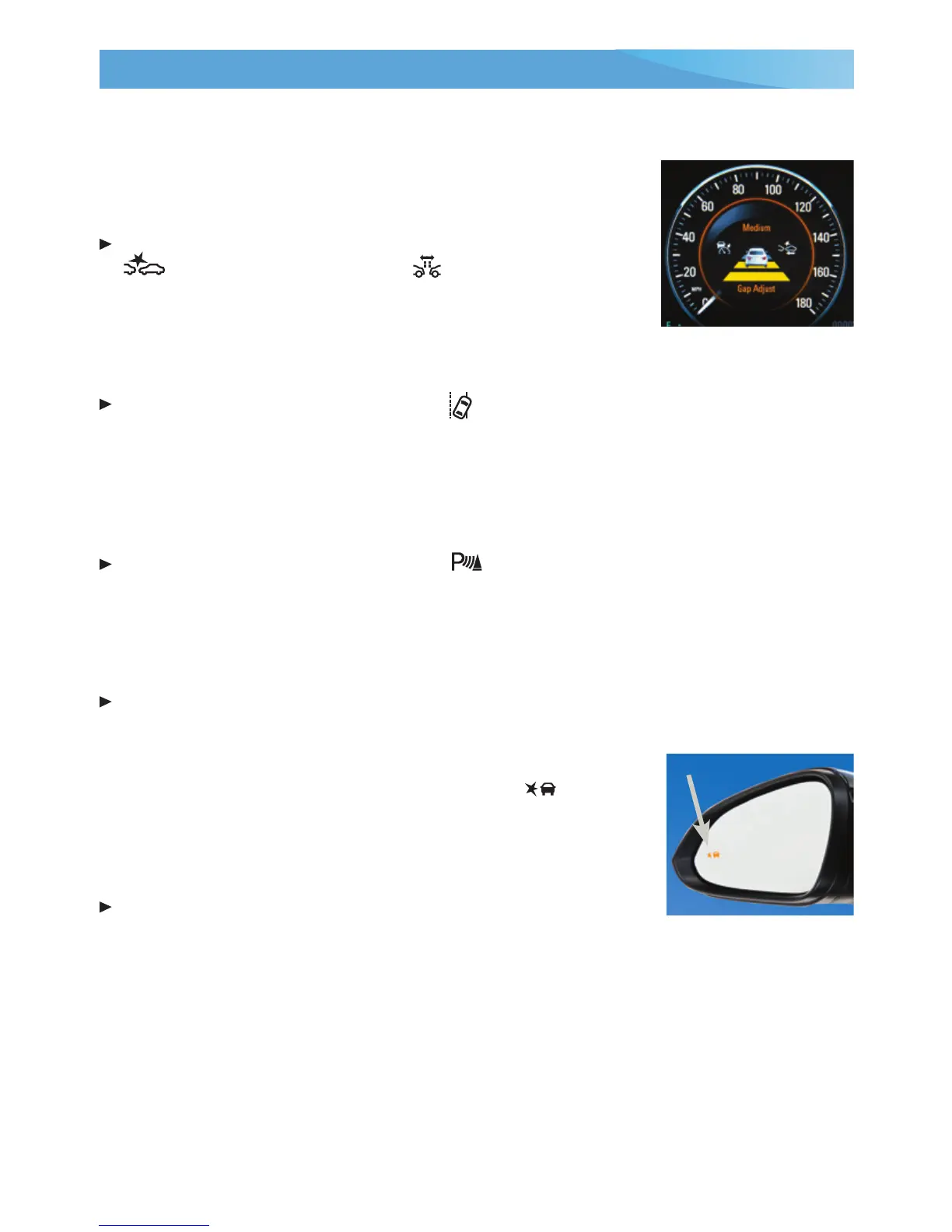
To set the alert timing to Far, Medium, or Near, press the
Collision Alert button or the Follow Distance Gap
button
F
on the left side of the steering wheel.
Lane Departure Warning
F
– When crossing a detected lane
marking without using a turn signal, the system ashes a visual alert and sounds an
audible tone. The system operates at speeds of 35 mph or greater.
To turn the system on or off, press the Lane Departure Warning button on the top
center of the instrument panel.
Rear Parking Assist
F
– During low-speed parking maneuvers, the Rear Parking Assist
system displays a caution symbol on the Rear Vision Camera when an object is detected.
One beep sounds when an object is rst detected and ve beeps sound when an object is
very close.
To turn the system on or off, press the Parking Assist button on the top center of
the instrument panel.
Rear Cross Trafc Alert
F
– During low-speed maneuvers when backing up, the system
warns of trafc coming from the left or right by displaying a visual alert on the Rear
Vision Camera and sounding an audible tone.
To turn the alerts on or off, go to Collision/Detection Systems > Rear Cross Trafc Alert
in the Vehicle Settings menu.
Side Blind Zone Alert/Lane Change Alert
F
– While driving, the
Side Blind Zone Alert/Lane Change Alert displays a
warning
symbol on the left or right side mirror when a vehicle is detected
in that side blind zone area or rapidly approaching that side blind
zone area. The warning symbol ashes if a turn signal is activated
when a vehicle has been detected.
To turn the system on or off, go to Collision/Detection Systems
> Lane Change Alert in the Vehicle Settings menu.
See Driving and Operating in your Owner Manual.
F
Optional equipment














 To Next Page