7-12 Infotainment System
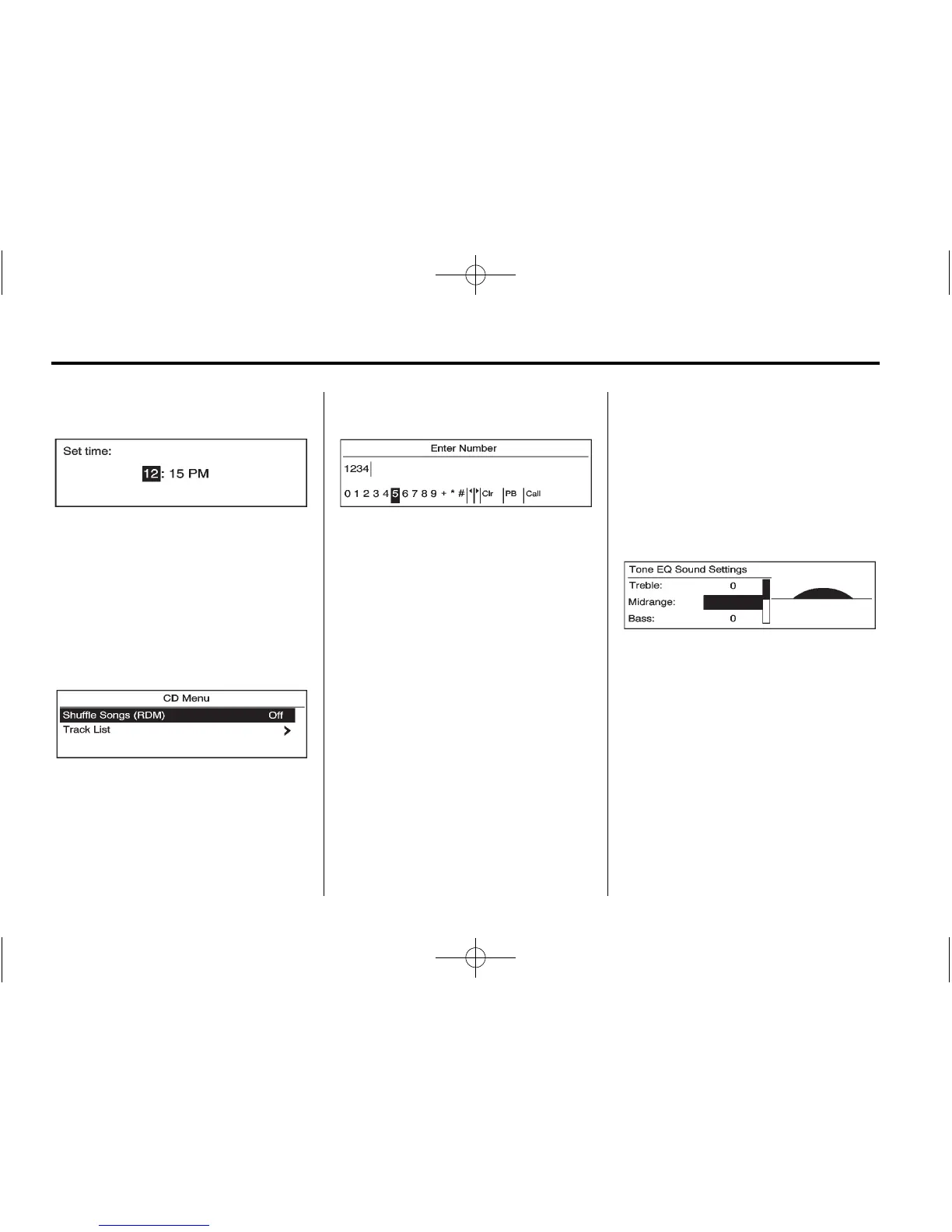
Setting a Value
1. Turn the Multifunction knob to
change the current value of the
setting.
2. Press the Multifunction knob to
confirm the setting.
Turning a Function On or Off
1. Turn the Multifunction knob to
highlight the function.
2. Press the Multifunction knob to
turn the function on or off.
Entering a Character Sequence
1. Turn the Multifunction knob to
highlight the character.
2. Press the Multifunction knob to
select the character.
Press the BACK button to delete the
last character in the sequence or
press and hold to delete the entire
character sequence.
Audio Settings
The audio settings can be set for
each radio band and each audio
player source.
To quickly reset a n audio setting
value to 0:
1. Press the TONE button.
2. Select the audio setting.
3. Press and hold the Multifunction
knob until the value changes
to 0.
Press the BACK button to go back
to the Tone Settings menu.
Adjusting the Treble, Midrange,
and Bass
1. Press the TONE button.
2. Select Treble, Midrange,
or Bass.
3. Select the value.
Press the BACK button to go back
to the Tone Settings menu.



 To Next Page