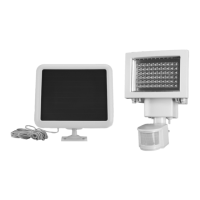
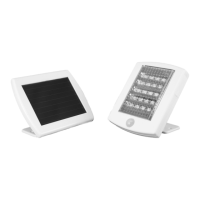
Need help?
Do you have a question about the Bunker Hill Security 56252 and is the answer not in the manual?
Decide where to mount the light for optimal sunlight reception and detection.
Peel sticker and place on a solid surface for secure mounting.
Ensure the battery is fully charged before operation for proper performance.
Turn ON the power switch to activate the solar security light.
Test the light by walking into the protected area to check motion detection.
Observe light brightening for 30 seconds upon motion detection.
If light doesn't brighten, check relocation, aiming, or charging time.
Procedures for safely removing and properly disposing of the Li-Ion battery.
Solutions for power or battery charge issues preventing the light from turning on.
 General
| Brand | Bunker Hill Security |
|---|---|
| Model | 56252 |
| Light Type | LED |
| Color Temperature | 5000K |
| Detection Angle | 180 degrees |
| Color | White |
| Type | Flood Light |
| Power Source | AC |
| Voltage | 120V |


 To Next Page