Page 2 For technical questions, please call 1-888-866-5797. Item 62463
SAFETY
ADVANCED
OPERATION
SETUP
BASIC
MAINTENANCE
TROUBLESHOOTING
Table of Contents
Safety .............................................................................2
Specifications ...............................................................5
Components and Controls .......................................... 6
Setup ..............................................................................8
Default Settings .......................................................... 12
Basic Menu..................................................................13
Basic Settings .............................................................14
Date, Time, Language, and Menu Settings ................ 14
Password Settings ......................................................15
Monitor Settings..........................................................15
Recording Settings .....................................................16
Operation ..................................................................... 18
Playback and Backup Recordings .............................. 18
View DVR's Activity..................................................... 19
Maintain Hard Drive .................................................... 20
Format Hard Drive and USB Flash Drive ................... 20
Advanced Menu .......................................................... 21
Monitor Settings..........................................................21
Clock Settings.............................................................22
User Management Settings ........................................ 22
Privacy Zone............................................................... 23
Motion Detection Settings........................................... 23
PTZ Camera ............................................................... 24
System Information..................................................... 24
Maintenance Instructions ..........................................25
Troubleshooting .........................................................26
Advanced Network Configuration, Software and
Notification Settings ..................................................27
Computer and Smartphone Access ............................ 28
Software ..................................................................... 32
Notifications ................................................................ 34
Warranty ......................................................................36
WARNING SYMBOLS AND DEFINITIONS
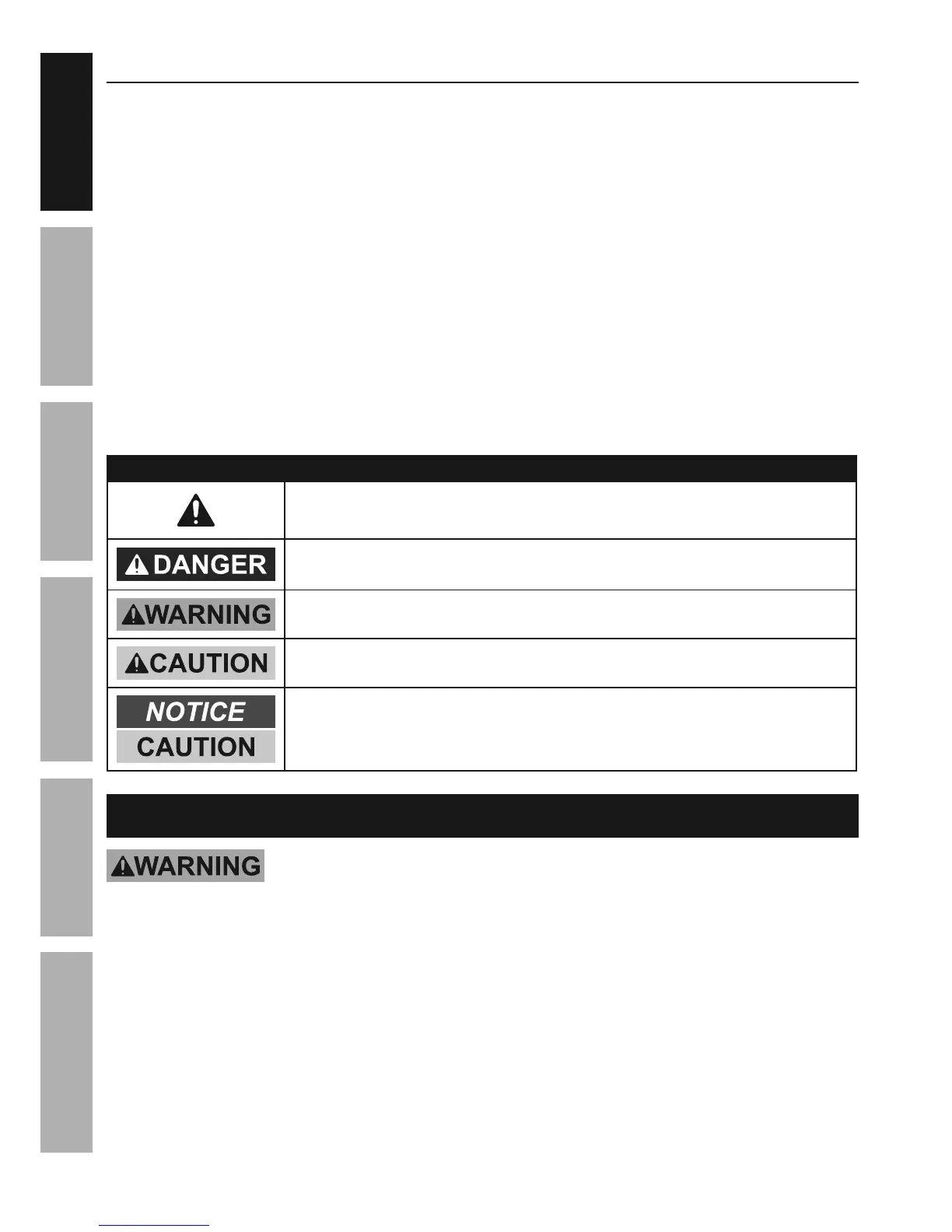
This is the safety alert symbol. It is used to alert you to potential
personal injury hazards. Obey all safety messages that
follow this symbol to avoid possible injury or death.
Indicates a hazardous situation which, if not avoided,
will result in death or serious injury.
Indicates a hazardous situation which, if not avoided,
could result in death or serious injury.
Indicates a hazardous situation which, if not avoided,
could result in minor or moderate injury.
Addresses practices not related to personal injury.
IMPORTANT SAFETY INFORMATION
Read all safety warnings and instructions.
Failure to follow the warnings and instructions may result in electric shock, fire and/or serious injury.
Save all warnings and instructions for future reference.



 To Next Page