Page 3SKU 45891
For technical questions, please call 1-800-444-3353.
OPERATION
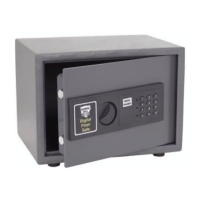
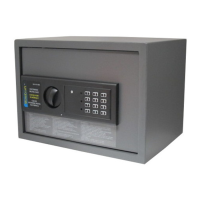
To Open the Safe: Input the numbers “159” on the Electronic Key Pad, then press either
the “A” or “B” Key. Once the Green light is on, turn the Knob and pull the Door open.
Note: The knob must be turned within 5 seconds of the Green light coming on. If the
knob is not turned, the entry code will need to be re-entered.
To Close: Close the Door and turn the Knob in the opposite direction. The Safe is now
locked.
To Change the Code: The Safe comes preset with a default code of “159.” To change the
Code, first follow the instructions for opening the Safe. On the inside of the Door toward
the hinge, you will see a small Red Button. Press this Button until the Yellow Light on the
Front Control Panel lights up. Now you can input the new Code (1 to 8 characters) into
the Front Control Panel, followed by either the “A” or “B” Key. The Safe will beep twice to
confirm that the Code has been changed. Important: If the Safe beeps three times, then
the Code has not been accepted, and you must repeat the steps above.
To Change the Batteries: If the Red Light and the Green Light are both lit at the same
time, it is time to change the Batteries. Follow the instructions for opening the Safe. The
Battery Compartment is located on the inside of the Door. Slide the Battery Cover off of
the Battery Compartment, remove used Batteries, and insert four new “4, AA” Batteries.
Once you have changed the Batteries, be sure to test the Code before you close the
Door again.
Using the Emergency Key:
The Safe comes with two Emergency Keys in case the code is forgotten or the bat-
teries are dead. To override the electronic locking device, detach the Front Panel from
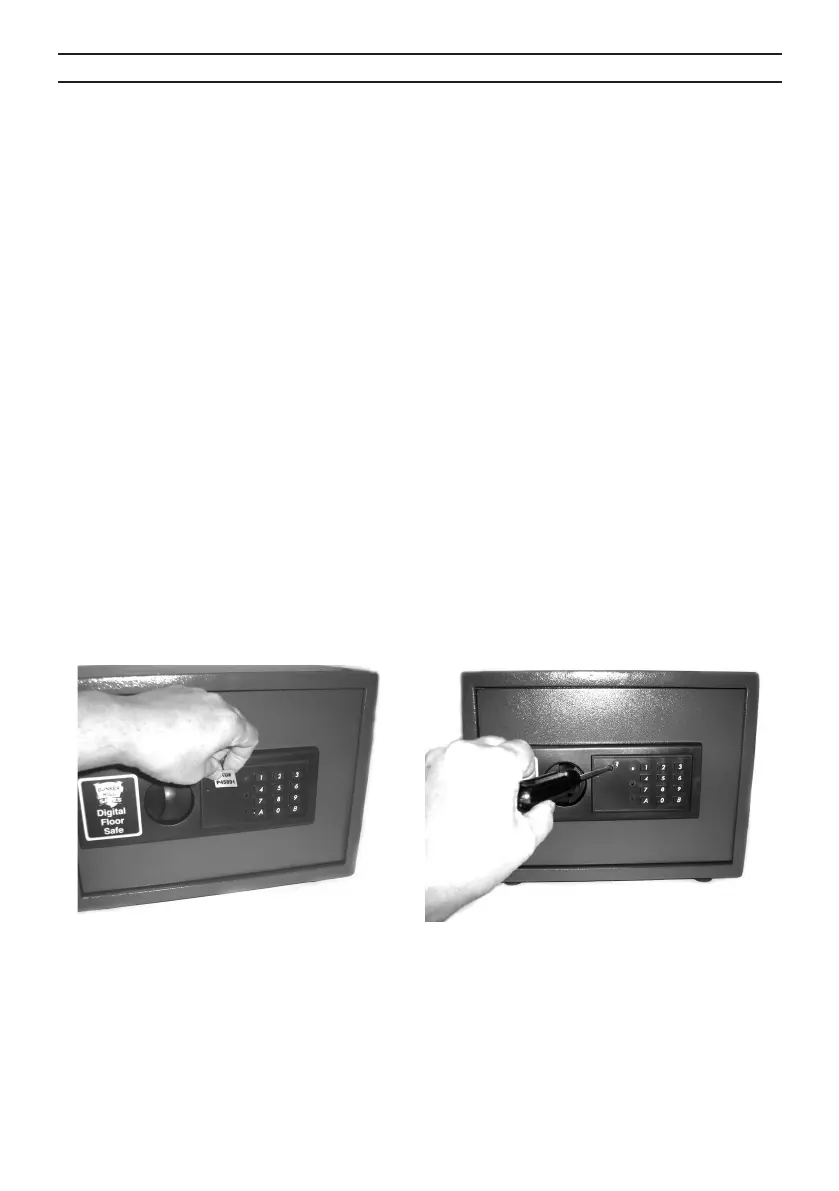
the Safe. There is a sticker to the left of the keypad, with SKU# 45891 printed on it.
Gently peel off that sticker. See Figure 1.
Figure 2Figure 1
Remove the screw under the sticker, as shown in Figure 2.
1.
2.
3.
4.
5.
a.
b.
REV 02d, 04c, 07b


 To Next Page