Page 46
PROGRAMMING THE BREWER (cont.)
PROGRAMMING FUNCTIONS - LEVEL 2 (cont.)
ASSET NUMBER
This function allows the operator to enter the machine's
asset number. This can be useful for tracking the usage
or service of an individual machine within a group.
Procedure to enter the asset number:
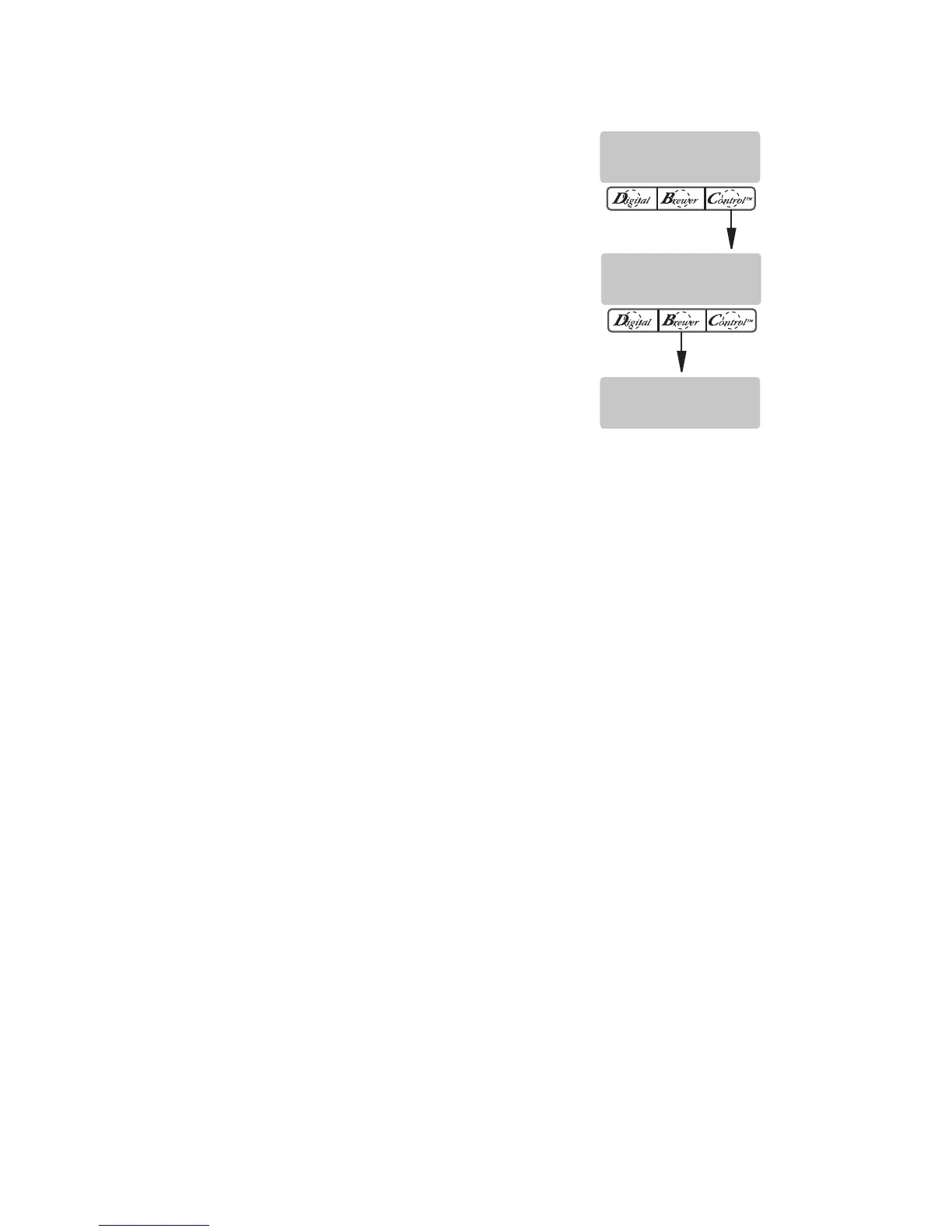
1. Press and hold the right hidden button until the
display reads SET LANGUAGE. Press the right
hidden button until the display reads:
ENTER ASSET #?
2. Press and release YES. The display will now read
ANXXXXXX.
3. Using (-) and (+), set the asset number of the ma-
chine.
4. When finished, press and release DONE. The display
will now read SERVICE #.
NOTE: See page 8 for steps on how to view the Asset
Number.
AN XXXXXX
(-) DONE (+)
ENTER ASSET #?
NO YES
ENTER SERVICE #
NO YES
38112.1 042105



 To Next Page