7
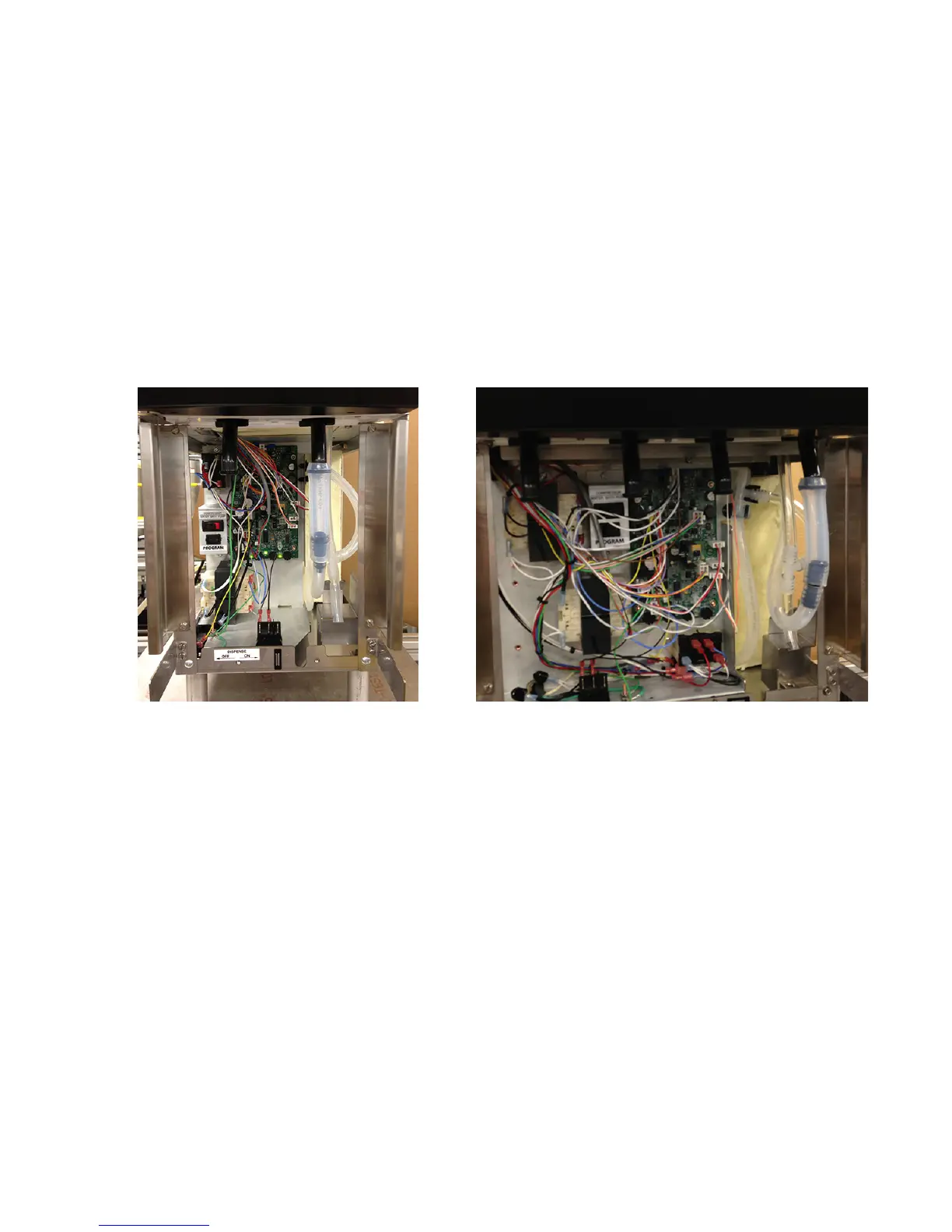
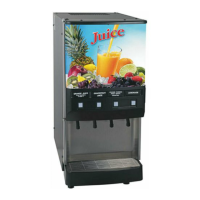
FIG 5 Initial Fill Connection - JDF-2S
7. Turn ON the refrigeration switch near the main control board (Fig. 7). This will start the water bath pump
circulation.
8. Check water level in the overflow tube and top off the tank if necessary (Step 5).
9. Disconnect the fill tube and allow excess water to drain into the drip tray. Replace the plug in the end of the
fill tube and store back into the dispenser.
10. Set the Program Switch (near main control board) to the OFF position. (On older models without program
switch, set the Dispense Lockout Switch to the ON position)
11. Replace the splash panel and drip tray.
12. It will take several hours to create the ice bank required for full dispenser performance. During this time, some
further trickling from the water bath is expected due to expansion caused by ice bank formation. While the
refrigeration system is creating the ice bank, the dispenser may be readied for use as described in Loading,
Priming and Adjustment.
INITIAL FILL (Continued)
FIG 6 Initial Fill Connection - JDF-4S
44744.2 110813


 To Next Page