Need help?
Do you have a question about the BURY CC 9060 and is the answer not in the manual?
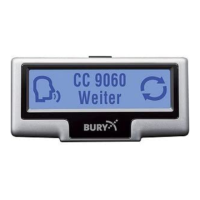
Navigating the CC 9060 device menu to access settings for update preparation.
Accessing the Windows Control Panel to manage Bluetooth devices.
Starting the 'Add Bluetooth Device' wizard in Windows for pairing.
Searching for and selecting the CC 9060 device during the Bluetooth pairing process.
Entering the Bluetooth master key (1234) for successful device pairing.
Starting the BURY Update Manager application to initiate the firmware update.
Choosing the firmware file and configuring the COM port for the update transfer.
The manager connects to the device and unpacks update files.
Transferring firmware to the device and completing the installation.
 General
| Brand | BURY |
|---|---|
| Model | CC 9060 |
| Category | Automobile Accessories |
| Language | English |

 To Next Page