EasyManua.ls Logo

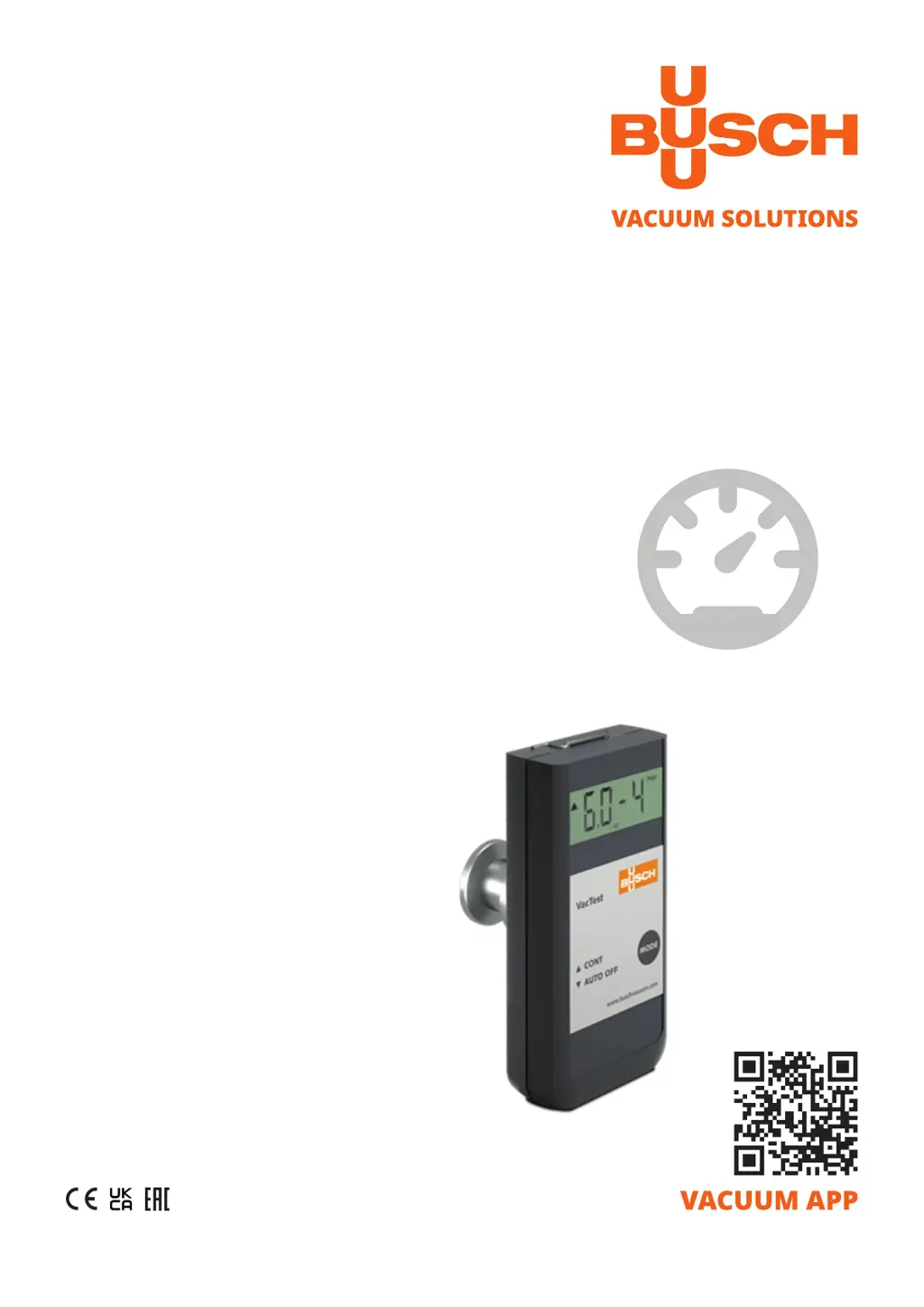
BUSCH VACTEST TPP 900 - User Manual

BUSCH VACTEST TPP 900
24 pages
Print Icon
To Next Page IconTo Next Page
Loading...
Get technical data,
instruction manuals,
service kits
Instruction Manual
VACTEST
Vacuum Measurement Equipment
Mobile Gauge TPP 900
0870204864/-0001_en / Original instructions / Modifications reserved 16/09/2021

Questions and Answers

  • S
    Stephen WatsonAug 11, 2025
    What to do if my BUSCH VACTEST TPP 900 Measuring Instruments display shows "or"?
    • P
      Pamela CarlsonAug 11, 2025
      If the display shows "or", it indicates the pressure is over range. Ensure that the pressure does not exceed 1200 mbar.
  • D
    Debra BakerAug 17, 2025
    Why does my BUSCH VACTEST TPP 900 Measuring Instruments show the error message "Err"?
    • T
      tshepardAug 17, 2025
      The error message "Err" appears because of adjustment done at wrong pressure or measurement error out of adjustment range. The displayed pressure must be >800 mbar for atmosphere adjustment,
  • S
    Sean AlvarezAug 23, 2025
    How to troubleshoot high measurement error in BUSCH Measuring Instruments?
    • R
      Ryan HensleyAug 23, 2025
      High measurement error can be caused by contamination, ageing, extreme temperature, or maladjustment. You can try readjusting the instrument or replacing the sensor. If the problem persists, send the unit for repair.
  • A
    Austin RichardsAug 29, 2025
    What to do if my BUSCH VACTEST TPP 900 display shows "ur"?
    • C
      christensenjoyceAug 30, 2025
      If the display shows "ur", it indicates the pressure is under range. Make sure the pressure is > 5 x 10⁻⁴ mbar.
  • R
    Russell BeckerSep 3, 2025
    What does error message "Err1" mean on my BUSCH VACTEST TPP 900 Measuring Instruments?
    • J
      jamesmaciasSep 3, 2025
      The error message "Err1" indicates a defective sensor. Send the unit for repair.

BUSCH VACTEST TPP 900 Specifications

General IconGeneral
Sensor TypePirani
Accuracy±15% of reading
Operating Temperature0 to 50 °C
Supply Voltage24 VDC
DisplayLCD
Power Supply24 VDC
Storage Temperature-20 to 70 °C
Output Signal0-10 V
Communication InterfaceRS485

Related product manuals