User instructions
BLUETOOTH OPERATION
Enter Bluetooth mode
Press the /M button to enter the Bluetooth mode, and
the indicator flashes blue quickly, it enters the pairing status.
Bluetooth pairing
1. Put your Bluetooth device (e.g. smart phone) within the
10 meters Bluetooth searched range.
2. Turn on the Bluetooth function on your phone.
3. Open the Bluetooth searching interface on the phone
and start to search the Bluetooth devices.
4. Find the device named B108 from the found list. Select
OK/YES/PAIR to pair the phone with the unit.
5. When the devices are paired successfully, you will hear
a signal and the indicator steadily lit in blue.
6. For some devices, the system may ask you to input the
pins to pair the device, just input the “0000" (four Zero)
to enable the connection.
Disconnecting Bluetooth
1. Turn off the Bluetooth function on the phone/BT device.
2. Press and hold the button to disconnect the devices.
1. To reconnect the devices, please follow the steps 2-6 of
Bluetooth pairing.
Receiving a phone call
When there is a call coming when connected with a
phone via Bluetooth, music will stop automatically.
1. Press the button to pick up the phone call.
2. When talking via the Speaker, press the VOL+/-
buttons to adjust the volume.
3. Press the again when finish talking.
4. If you do want to transfer the call from the Speaker,
press and hold the button to disconnect the
Reconnecting Bluetooth
2. To connect a different device, you must turn off
the Bluetooth function on your phone device, or
unpair from the paired device, then manually pair
the device with the unit.
ANSWER A PHONE CALL
1. The unit can only be connected and playing
contents from one device at a time.
2. Some devices, such as an iPhone, may
connect immediately in pairing, some may
take as long as 60 seconds to connect, this is
not a malfunction.
3. If the device is out of the Bluetooth range
(10 meters), please put the device within the
Bluetooth range and make connection again if
connection is suspended.
Bluetooth with the phone. Or you can also power off
the speaker or turn to other mode for a provide
NOTE:
NOTE:
If the other side of a call can not hear clearly, you
can speak close to the MIC of the unit. Or, adjust
the volume level on the unit or on your phone.
conversation.
USB OPERATION
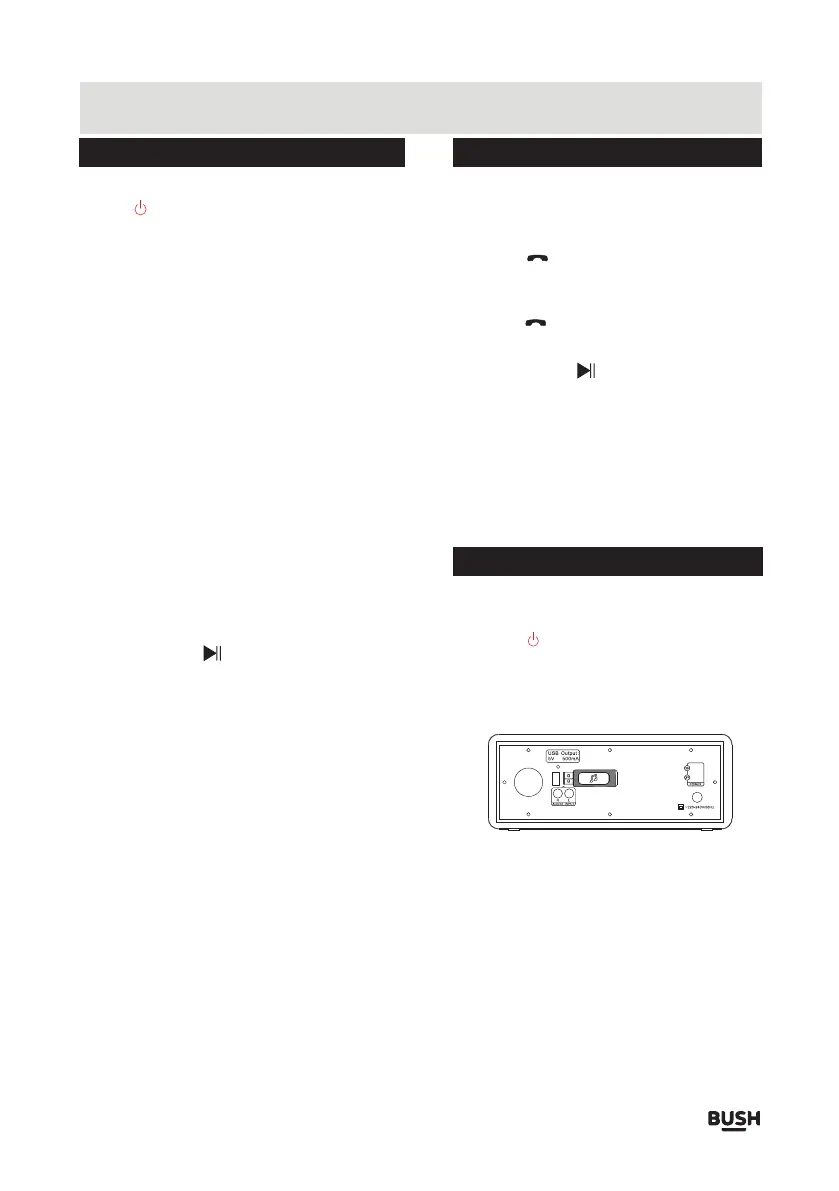
1. Insert the USB stick into the USB port on the rear
panel of the unit.
2. Press the /M button until the indicator flashes in
yellow slowly.
3. Once the USB stick inserted, the unit will auto-detect
the files stored in the USB stick and start playing.
1. Depending on the amount of data and media speed,
it may take longer time for the unit to read the files
stored in the USB device, this is not a malfunction.
2. The support file format is MP3 with an extended
NOTE:
name “.mp3”.
3. The USB port charges the inserted USB device.
4. For some files, even though they’re of the support
format, the unit can not play because of the format
compatibility.
Page 4



 To Next Page