The menu system
The language menu
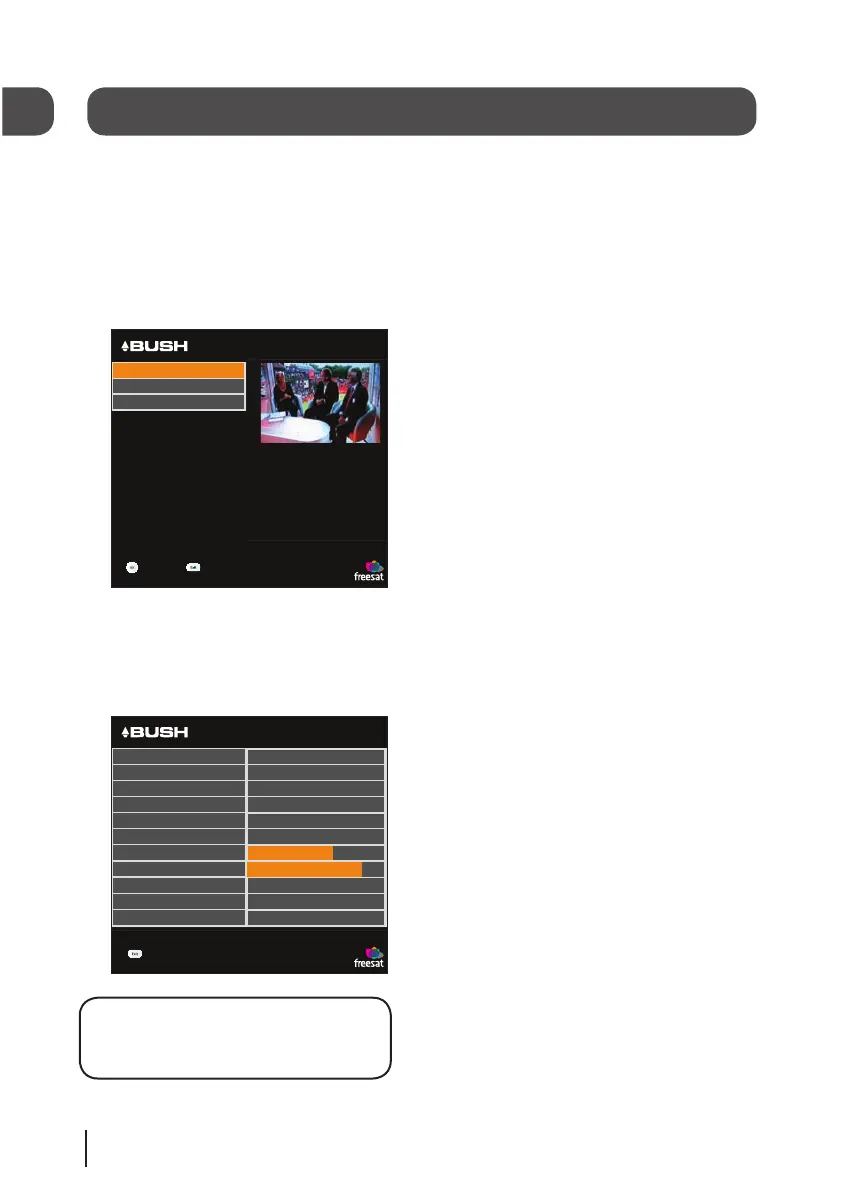
The language menu allows you to change
the default language settings for
interactive services and subtitles.
To select between English, Welsh or
Gaelic use the arrow buttons, then press
the [OK] button to select.
The information menu
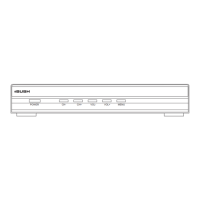
This menu shows you information about
your digital box.
DON’T FORGET! It is useful to have
this information to hand when
contacting the call centre.


 To Next Page