If you press the [INFO] button while the
information screen is displayed, the extended
information screen will shown. This provides a
programme summary.
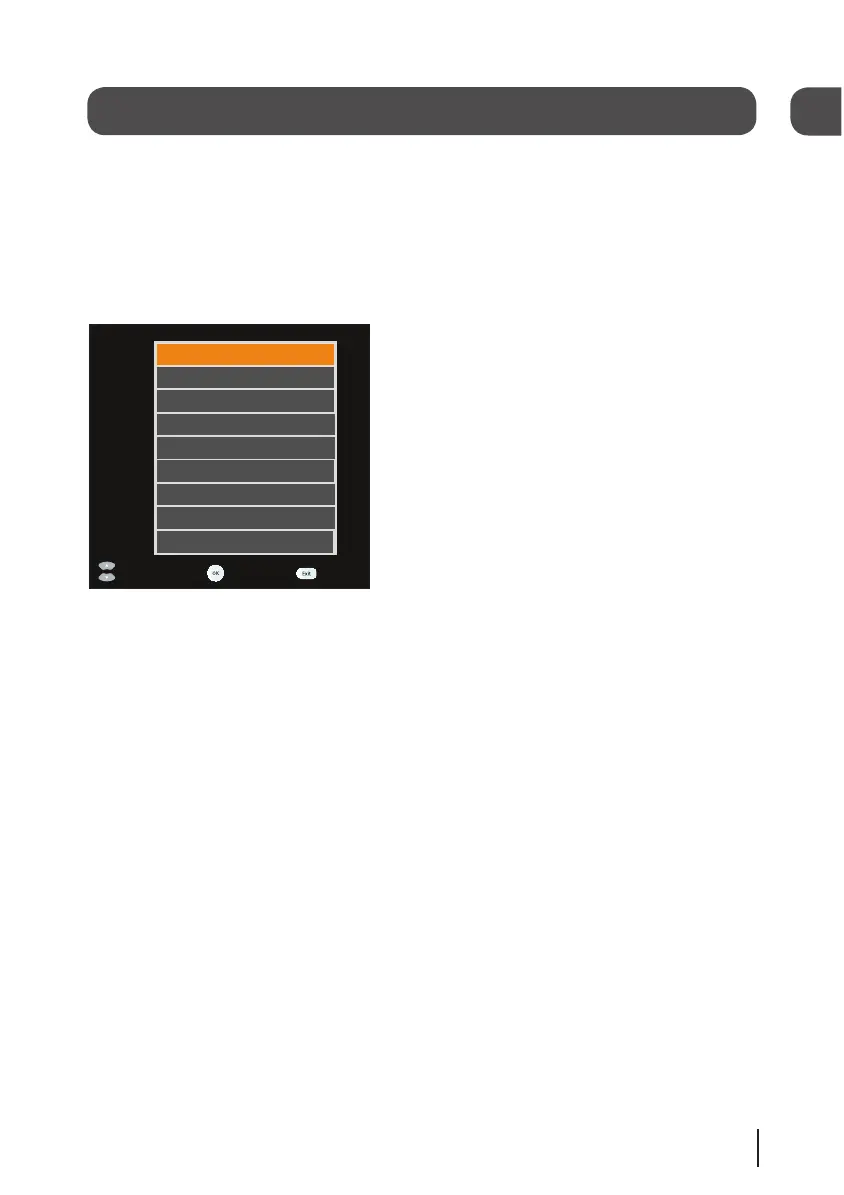
If you press the [AD] button while the
information screen is displayed, the audio menu
will be shown.
Use the arrow buttons to select an audio
language, then press the [OK] button. Audio
description languages have ‘AD’ after their
description.
Changing the volume
You can change the volume by using the [VOL+]
and [VOL-] buttons on the remote control. You
can turn off the volume by pressing the [MUTE]
button. To turn it back on press the [MUTE]
button again.
Daily use
Audio description
Audio description is an additional
narration that describes all significant visual
information such as body language, facial
expression, scenery, costumes - anything that
is important to the plot of the story, event or
image.
Press the [AD] button to turn audio
description on (if available). Press the [AD]
button again to turn the audio
description off.
Subtitles
Press the [SUB] button to display subtitles (if
available). Press the [SUB] button again to turn
them off.
8
05


 To Next Page