Page 7
Bass enhancement
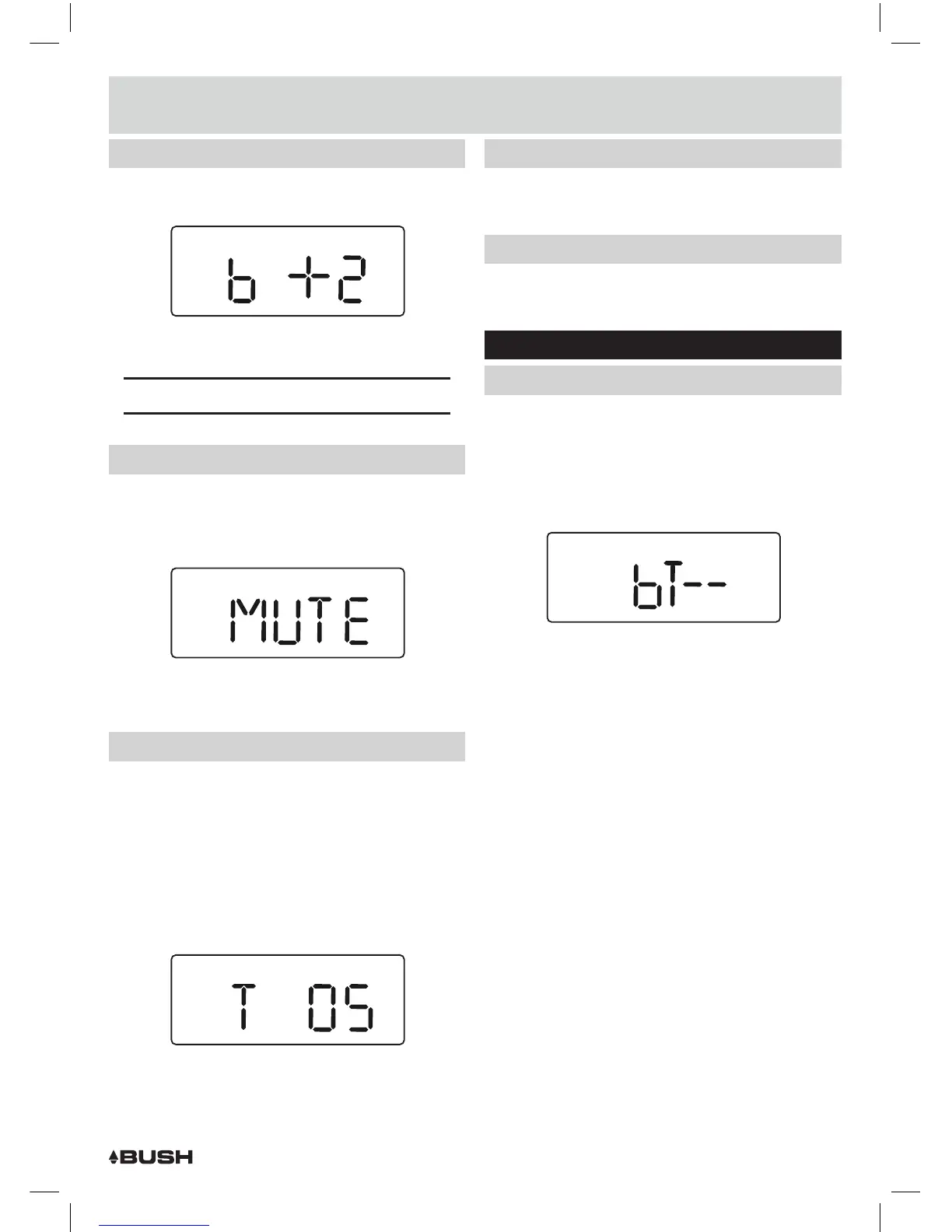
1: To increase the bass level press the BASS (B)+ button
(25) repeatedly.
MUSIC BASS
2: To decrease the bass level press the BASS (B)- button
(25) repeatedly.
NOTE: The BASS levels range from -4 to +4.
Mute function
1: Pressing the MUTE button (26) on the remote will
temporarily silence the audio output. You will see
‘MUTE’ flash on the display to indicate the mute
function is active.
MUSIC BASS
2: Press the MUTE button again to resume the audio
output.
Sleep timer
The unit can be set to enter STANDBY mode after a
period of time.
1: During playback mode of either TV, COAX, OPTICAL or
AUX modes, press the SLEEP button (23) to enter the
timer settings.
2: Press the SLEEP button repeatedly to cycle through
the available time duration options of :- 5, 10, 15, 30,
45, 60, 90 minutes & OFF.
MUSIC BASS
3: When you have selected the required timer duration,
just leave all buttons untouched for 2 seconds and
the timer will begin the countdown.
Sleep timer (cont)
4: When the timer elapses the STANDBY mode will be
activated.
Adjusting the display brightness
1: Press the DIM. button (24) repeatedly to cycle through
the 3 brightness states LOW, MED & HIGH.
Bluetooth operation
Pairing a Bluetooth device
Before you can use the sound bar with your phone or
other bluetooth capable device you will need to pair
the device to the sound bar.
1: Press the SOURCE button (5, 18) repeatedly until you
see ‘BT’ appear on the display.
MUSIC BASS
2: When selected the ‘BT’ text on the display will flash
rapidly after 5 seconds while the unit tries to connect
to previously paired devices. If no devices are found
the ‘BT’ text will still flash but slowly to indicate it is
ready for pairing a new device.
3: Enable the Bluetooth function on your audio device
and search for a device labelled ‘BUSH CBAR7W’ in
the available list.
4: Select and enable pairing for the ‘BUSH CBAR7W’
device. If prompted for a password enter ‘0000’.
5: If pairing is successful the CBAR7W will beep and the
‘BT’ text will stop flashing.
6: If the connected device goes out of range, the sound
bar will attempt to connect for 2 minutes. When the
device comes into range the sound bar will reconnect
again automatically.
7: To remove the paired device using only the sound bar,
press and hold the OPTION button (22) on the remote
control. The ‘BT’ text will begin flashing slowly again.
User instructions



 To Next Page