Page 4
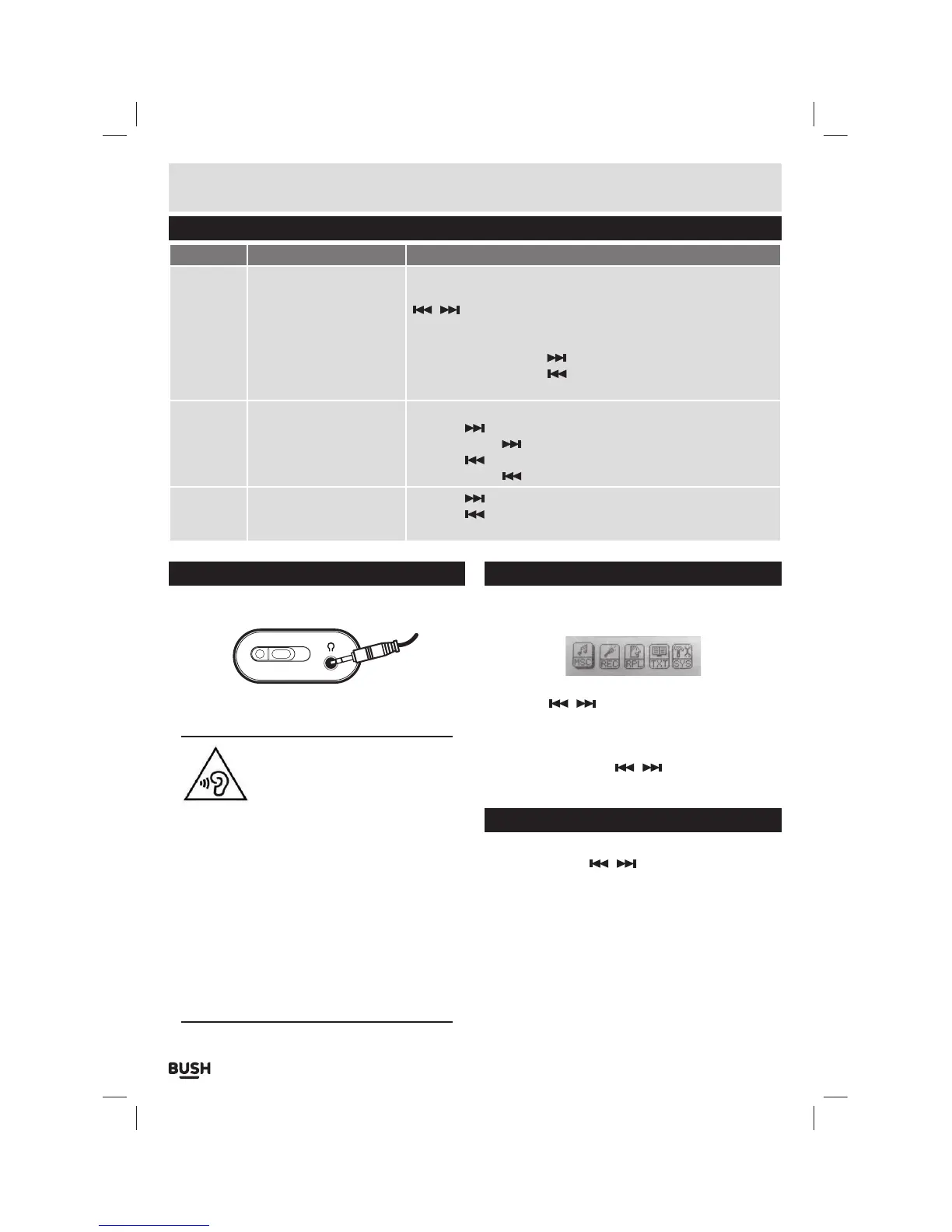
Button functions
To Press
General
Power On/ Off
Turn On/ Off
Scroll through lists
Select option
Return to previous menu
Volume up
Volume down
Quit to main menu
Switch the On/ Off switch
Hold the Play/Pause button for 1 second
/ buttons
M button
Press & hold the M button for 1 second
Press VOL then press the
button
Press VOL then press the
button
Press & hold the M button for 1 second
Music
Play/ Pause tracks
Skip to the next track
Fast forward
Skip back to previous track
Fast rewind
Press the Play / Pause button
Press the
button
Press & hold the
button
Press the
button
Press & hold the
button
Te x t
Skip to next page
Skip back to previous page
Text reader menu
Press the
button
Press the
button
Press the M button
User instructions
Earphone connection
Instructions for earphone usage.
ON OFF
1: Connect the 3.5mm earphone plug into the
EARPHONE socket on the bottom of the unit.
To prevent possible hearing damage,
do not listen at high volume levels
for long periods.
In music mode, when the volume is adjusted to
85dB the above icon will appear on the display.
Press the ‘M’ button to continue.
If you hear no sound during playback, do not turn
the volume up as the music may suddenly begin
at a high volume.
Excessive sound pressure from earphones and
headphones can cause hearing loss.
To avoid damaging your ears, adjust the volume to
the lowest safe level before playing, and turn up
to the desired level when playback has started.
Music playback
1: Select ‘MSC’ on the main menu and press ‘M’ to enter
music mode.
2: To skip through the available tracks on the device
using the
/ buttons.
3: Press the Play/ Pause button to begin playback of
a selected track. To pause playback press the Play/
Pause button once more.
4: Press and hold either
/ buttons to fast
forward or rewind the current track during playback.
Volume adjustment
1: To adjust the volume levels press the ‘VOL’ button
and then use the
/ buttons to increase or
decrease the level.



 To Next Page