Using your Turntable
Let’s get started
Using your Turntable
19
section of these instructions, or online at www.argos-support.co.uk If you still require further assistance, call one of our experts on 0345 600 3021.
Play a record
1. Before use, ensure the security wire (tone-arm rest/lock) and the cartridge protector
(stylus/cartridge) have been removed. And the tonearm lock is released.
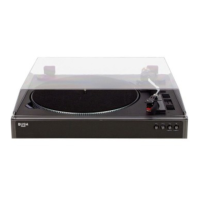
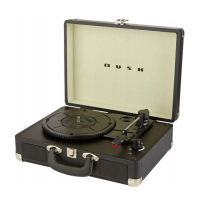
2. Place a record on the turntable platter (1).
3. Select the speed required using the speed selector switch (6).
4. Raise the tone-arm (5) using the tone-arm lift lever (7). As you move the tonearm
towards the record the turntable begins spinning. Lower the needle gently onto the
outer edge of the record using the tone-arm lift lever (7).
5. Rotate the ON/OFF/Volume control knob (12) to increase or decrease the volume
level.
6. When the record has finished playing the tone-arm will raise and return to the rest
position.
Replacing the turntable stylus/needle
NOTE Please replace the stylus.needle with extreme care to avoid damage to the tone-
arm and cartridge.
1. Carefully separate the red plastic section from the bottom of the cartridge.
2. Connect the new stylus/needle to the cartridge.


 To Next Page