5
Setting the Software
Install Device driver first and follow the on-screen instruction.
The steps of installation:
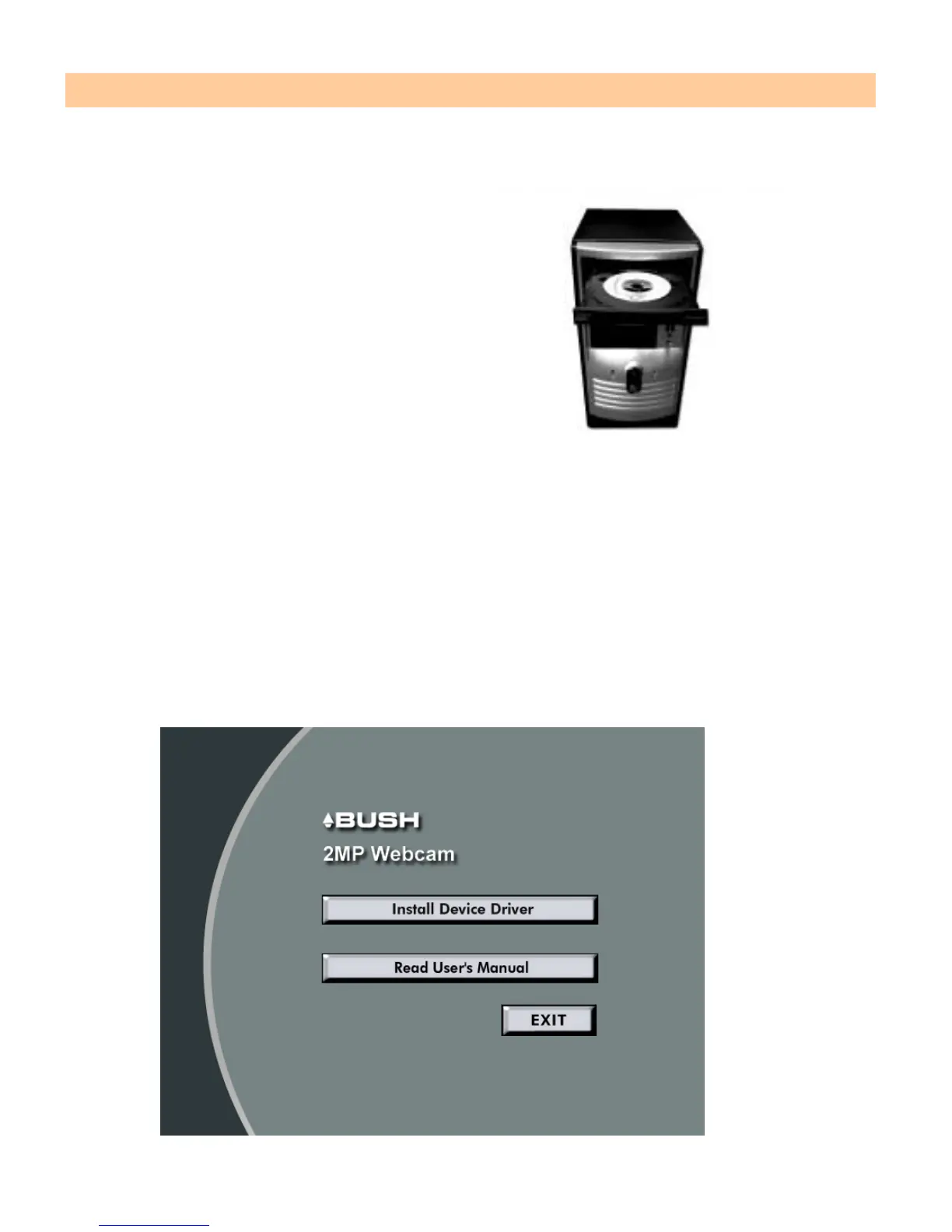
1. Insert the CD into your CD-ROM drive
2. The installer screen will automatically come up.
Note:
If the installer screen does not come up automatically, click Start, then run and
execute the file “launch.exe” on the CD to start the installer program.
3. Click the “Install Device Driver” button to start installation.


 To Next Page