7
Install the Hardware
Ensure to install the device driver before connect the webcam.
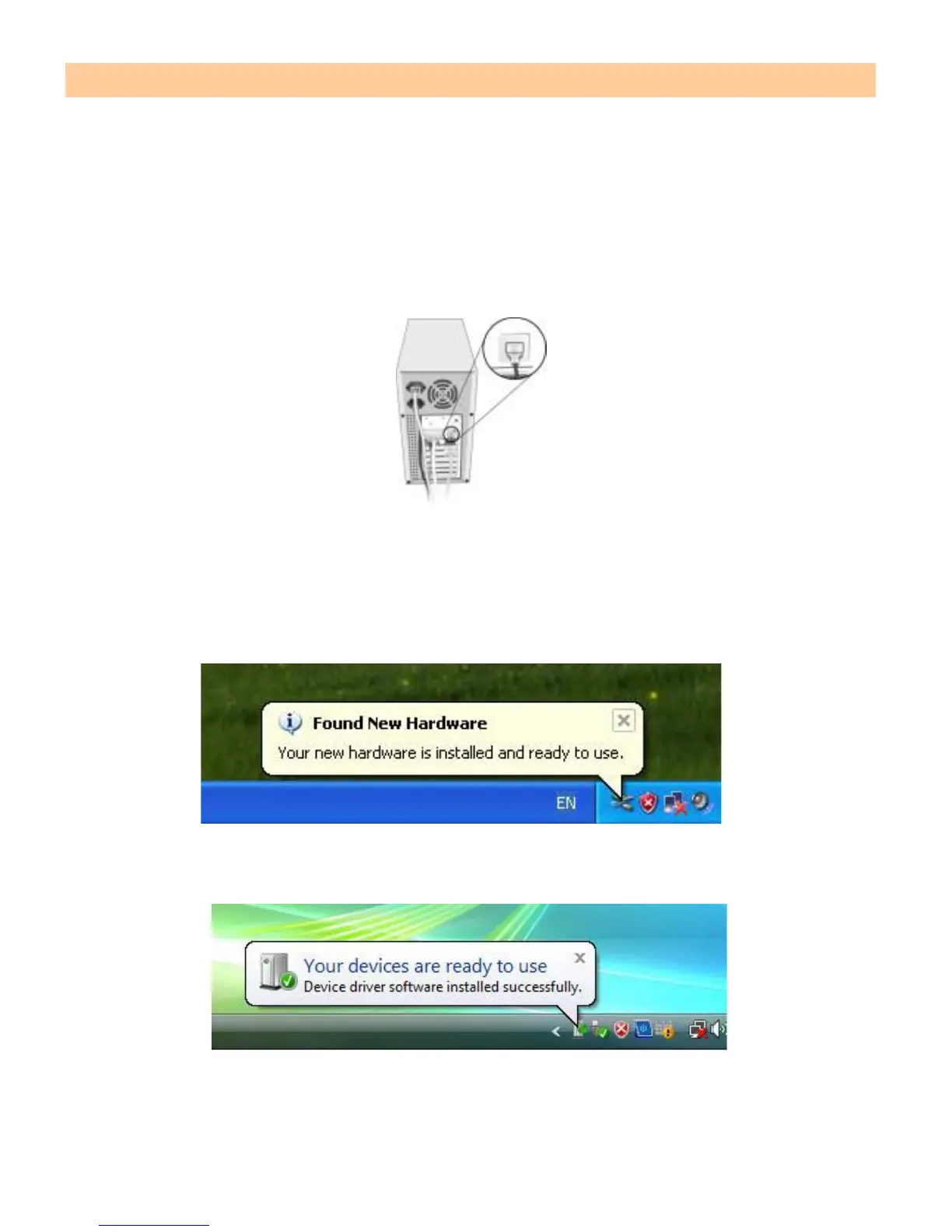
Plug Webcam’s cable to the USB port on your computer.
Note: This Webcam features USB easy plug-and-play for Instant Messenger (e.g.
MSN, Yahoo and Skype etc).
When you connect the webcam to your PC, it will install the driver automatically.
The different icons will pop up on Windows XP and VISTA as below:
Windows XP
Windows VISTA


 To Next Page