works. Copyright © 2013-2015 Dolby Laboratories. All rights
reserved.
YouTube and the YouTube logo are trademarks of Google Inc.
For DTS patents, see http://patents.dts.
com. Manufactured under license from
DTS Licensing Limited. DTS, the Symbol,
& DTS and the Symbol together are registered trademarks,
and DTS TruSurround is a trademark of DTS, Inc.
©
DTS, Inc.
All Rights Reserved.
For DTS patents, see http://patents.
dts.com. Manufactured under
license from DTS Licensing
Limited. DTS, DTS-HD, the Symbol, & DTS or DTS-HD and
the Symbol together are registered trademarks of DTS, Inc.
©
DTS, Inc. All Rights Reserved.
This product contains technology subject to certain
intellectual property rights of Microsoft. Use or distribution of
this technology outside of this product is prohibited without
the appropriate license(s) from Microsoft.
Content owners use Microsoft PlayReady™ content
access technology to protect their intellectual property,
including copyrighted content. This device uses PlayReady
technology to access PlayReady-protected content and/or
WMDRM-protected content. If the device fails to properly
enforce restrictions on content usage, content owners may
require Microsoft to revoke the device’s ability to consume
PlayReady-protected content. Revocation should not aect
unprotected content or content protected by other content
access technologies. Content owners may require you to
upgrade PlayReady to access their content. If you decline an
upgrade, you will not be able to access content that requires
the upgrade.
The “CI Plus” Logo is a trademark of CI Plus LLP.
This product is protected by certain intellectual property
rights of Microsoft Corporation. Use or distribution of such
technology outside of this product is prohibited without a
license from Microsoft or an authorized Microsoft subsidiary.
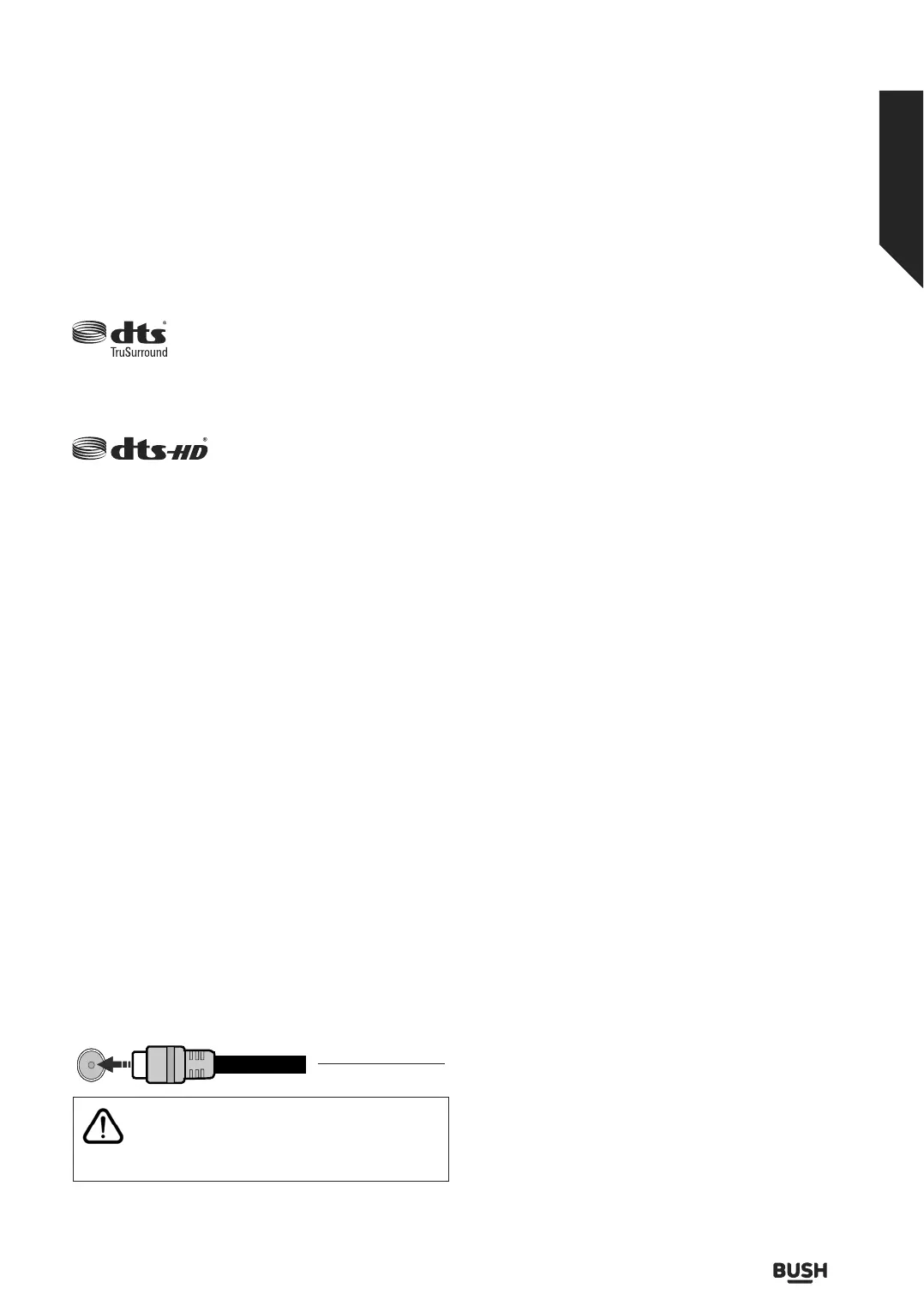
Antenna Connection
Connect the aerial TV plug to the AERIAL INPUT (ANT-TV)
socket located on t
he rear side of the TV.
$1779
Rear side of the TV
If you want to connect a device to the TV, make
sure that both the TV and the device are turned o
before making any connection. After the connection
is done, you can turn on the units and use them.
Inserting the Batteries into the Remote
Remove the back cover to reveal the battery compartment.
You need to do the followings in order to do that:
ŔPlace the tip of a pen or some other pointed object in the
hole above the cover and press it down.
ŔThen press firmly on the cover and slide in the direction
of the arrow.
Insert two size AAA batteries. Make sure the (+) and (-) signs
match (observe correct polarity). Do not mix old and new
batteries. Replace only with same or equivalent type. Place
the cover back on.
A message will be displayed on the screen when the batteries
are low and must be replaced. Note that when the batteries
are low, the performance of the remote control may be
impaired.
Batteries should not be exposed to excessive heat such as
sunshine, fire or the like.
Power Connection
IMPORTANT: The TV set is designed to operate on a 220-
240V AC, 50 Hz supply. After unpacking, allow the TV set to
reach the ambient room temperature before you connect
the set to the mains. Plug the power cable to the mains
socket outlet.
Switching On/O
To Switch the TV On
Connect the power cord to a power source such as a wall
socket (220-240V AC, 50 Hz).
To switch on the TV from standby mode either:
ŔPress the Standby button, Programme +/- or a numeric
button on the remote control.
ŔPress the middle of the side function switch on the TV in.
To Switch the TV O
Press the Standby button on the remote control or press
the middle of the side function switch on the TV in and hold
it down for a few seconds, the TV will switch into standby
mode.
To power down the TV completely, unplug the power
cord from the mains socket.
Note: When the TV is switched into standby mode, the
standby LED can blink to indicate that features such as
Standby Search, Over Air Download or Timer is active. The
LED can also blink when you switch on the TV from standby
mode.
Getting to know your TV
You’ll be up and running in no time
Getting to know your TV
11
or online at www.bush-support.co.uk If you still require further assistance, call one of our experts on 0345 604 0105.













 To Next Page