This page is left intentionally blank
16
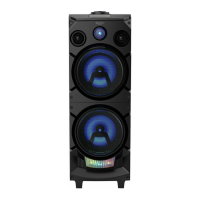
Getting to know your Tower Speaker
section of these instructions, or online at www.argos-support.co.uk If you still require further assistance, call one of our experts on0345 600 3021
If you require any technical guidance or find that your product is not operating as intended, a simple solution can often be found in the
Troubleshooting
Getting to know your Tower Speaker
You’ll be up and running in no time
Adjusting the volume
On the Tower Speaker or on the Remote control:
• Press and release the button to increase the volume in steps.
• Press and hold the button to progressively increase the volume.
• Press and release the button to decrease the volume in steps.
• Press and hold the button to progressively decrease the volume.
Check the display, which will confirm the volume level. 32 is the maximum volume level.
Mute
On the Remote control:
• Press and release the Mute button to mute the volume ‘U-00’ will be displayed.
• Press and release the Mute button to turn the sound on again
Adjusting the Tone
On the Remote control:
• Press and release the Tone button to change the tone
Change the EQ setting
On the Remote control:
• Press and release the EQ button to change the EQ setting, there are 5 settings
available. Check the display, which will confirm the setting.



 To Next Page