For any help concerning set up and use of your TV please call the Customer Helpline: 0345 604 0105
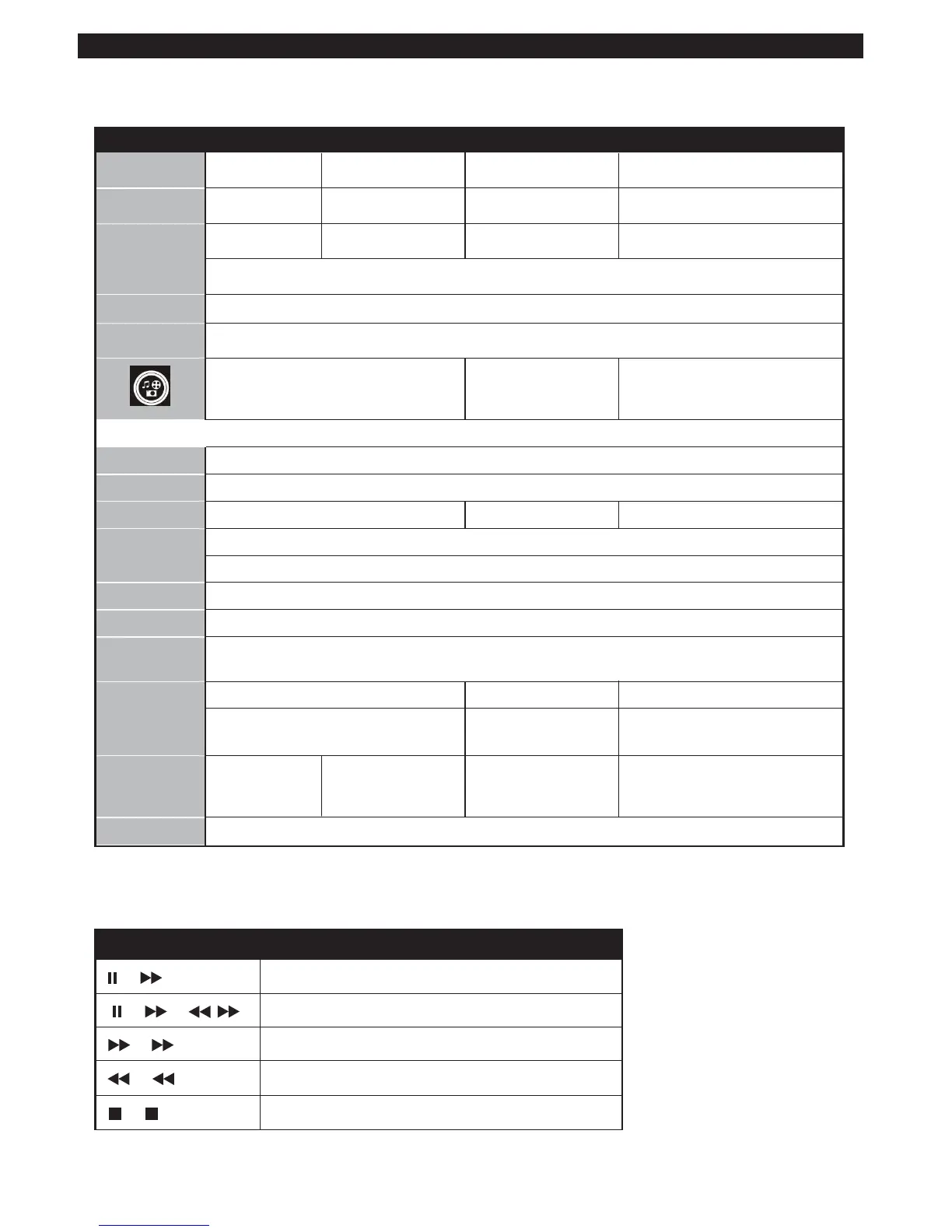
Other Functions – Button Combinations (During playback)
DVD Controls
You can operate DVD, movie CD, music or picture CD’s content by using the correct buttons on your remote
control. Below are main functions of commonly used remote control buttons.
Shifts the zoomed picture left or right (if available).
Highlights a menu item / Shifts the zoomed picture up or down (if available).
Rapid advance / Rapid reverse
Views the scene from different angles
(if available)
Changes slide effect
(depends on the
content)
Clears digit (if available).
Displays time / Views main setup menu
Time counter mode selection (during playback). Press repeatedly to switch between modes.
Returns back to the previous menu (if available).
Goes back to the root folder (if available).
Direct selection of scenes or time.
Selects the desired file.
Selects the desired file.
Subtitle on-off. Press repeatedly to
switch between subtitle options.
Displays disc
menu
(if available).
Displays disc menu
(if available).
Zooms picture. Press repeatedly to switch between zoom options.
(*) You can switch to a title
by pressing number buttons
directly. You need to press 0
and then digit key to switch one
digit titles (example: to select 5,
press 0 and 5).


 To Next Page