6
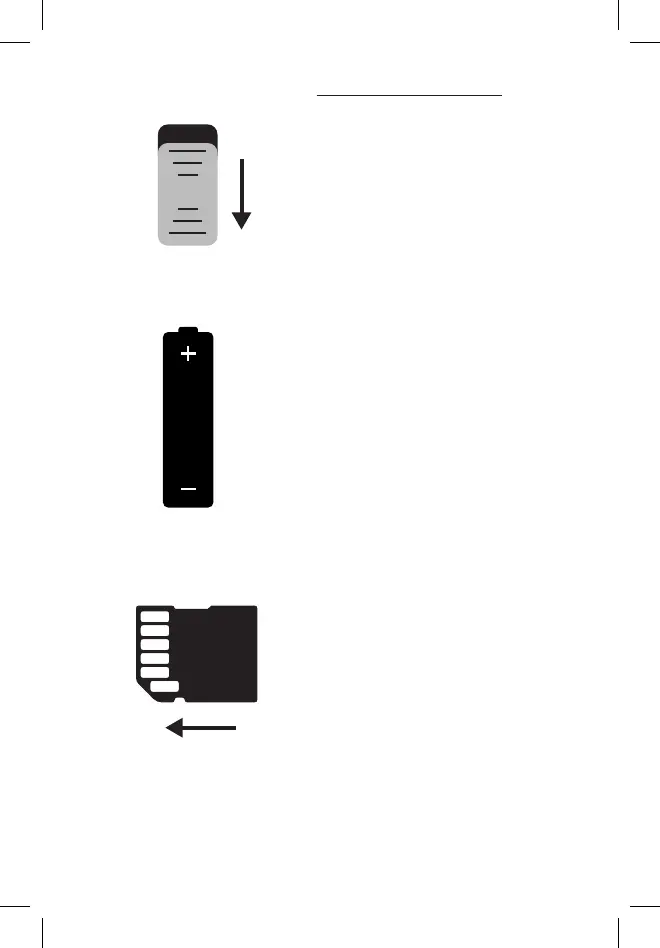
1. Make sure camera power
switch is in the OFF position.
2. Install 6 AA batteries (lithium
or alkaline, lithium batteries are
recommended).
3. Make sure the write-protect
switch on the side of the SD
card is “OFF” (not in the “Lock”
position.) Insert card (up to
512GB max). Do not insert or
remove an SD card with the
power switch in the ON position.
A “click” sound indicates the
card is installed properly.
QUICK START GUIDE
on
off
x6


 To Next Page