11
System Requirements (Minimum)
Soware Installation
Transferring e Photos & Videos to Your PC - Step by Step
OS: Windows® 98/98SE/2000/ME/XP
CPU: MMX Pentium® 200MHZ equivalent or faster (
P
entium® III 500 MHz for PhotoSuite5™)
Memory: 32MB minimum (64MB recommended for PhotoSuite)
SVGA video card w/2MB VRAM, 800x600 screen display, 16 bit High color
200 MB available hard disk space (if installing PhotoSuite)
Internal USB Port
If you are using Windows 98, you must install drivers before connecting the camera to your PC. Insert the CD-ROM
into your computer’s CD drive; it will auto-run and the install screen will be displayed. Select “Install Driver”, then
follow the directions. After installation, restart your computer. Windows 2000, ME, and XP do not require drivers,
as the camera uses the USB mass storage standard , allowing the photo files to be accessed as if they were stored on
an external hard drive. For any Windows OS, if you are not already using photo editing software you prefer, you may
install Roxio PhotoSuite® from the CD-ROM. Be sure to read the “Release Notes” completely, noting any tips or
potential issues relevant to your PC configuration and OS.
1. Be sure the driver has been installed first if you are on Windows 98/98SE.
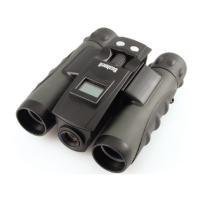
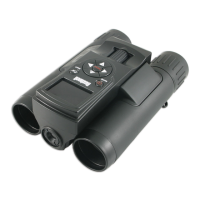
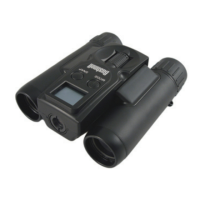
2. Connect the supplied cable to the ImageView’s USB port, then directly to a main USB port on your computer-do
not use front panel/keyboard USB ports or unpowered “hubs”.
WARNING: Make sure you download any picture from your camera before you remove the
batteries from the camera.



 To Next Page