7
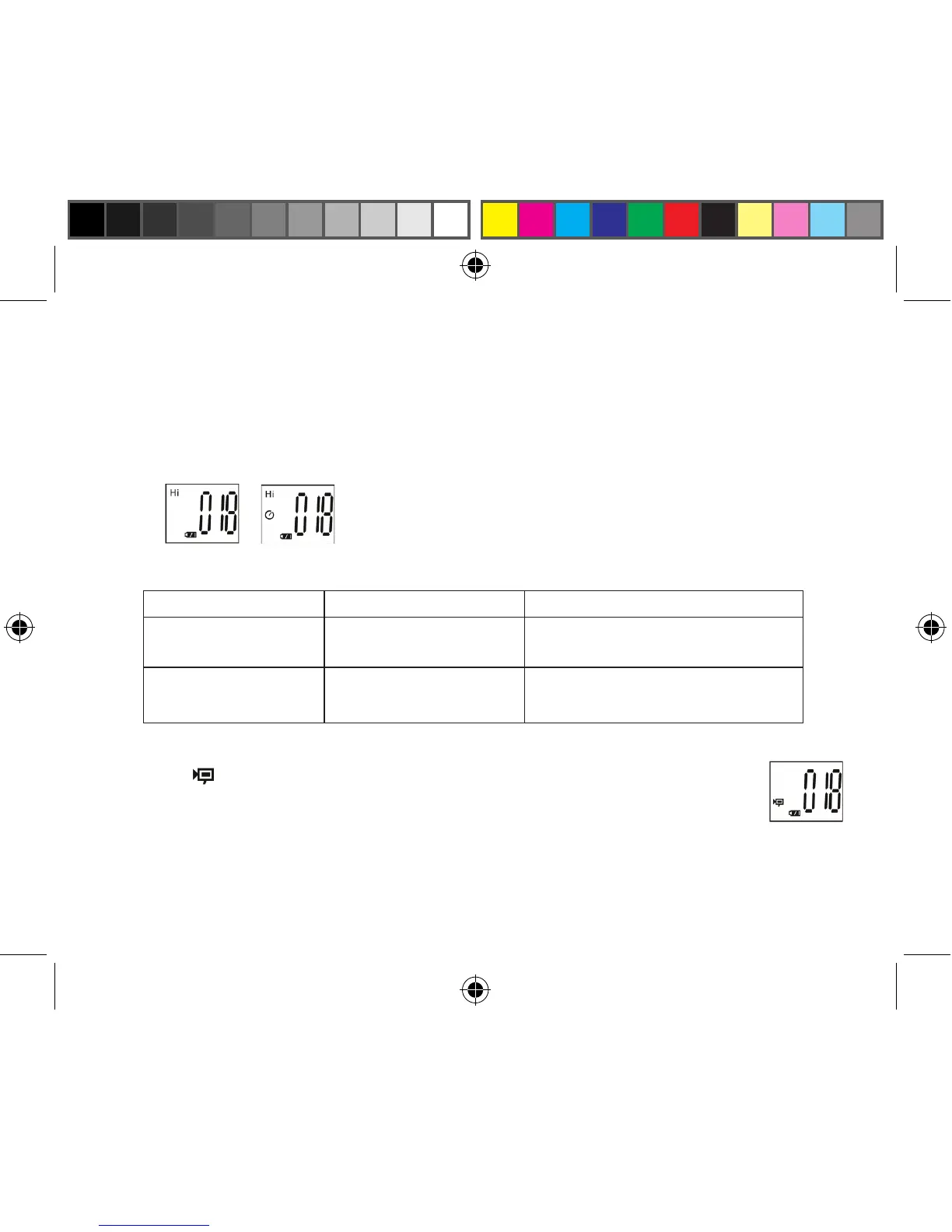
10. “Low Resolution” Mode will cause your pictures to be of a lower resolution, but allows you to store
many more pictures in the camera’s memory. The default setting is Hi resolution. To change the
resolution, press the MODE button until the “mode” icon appears. Press the SNAP button and
“Lo” will appear. The camera is changed from high resolution to low resolution. Repeat these steps
to return to the high resolution setting.
PICTURE CAPACITY WITH BUILTIN MEMORY:
*May vary due to subject and lighting)
Pixels (resolution) Image quality Maximum Picture Capacity*
1280x1024(Hi) High quality (HQ) Up to 42 pictures
Low quality (LQ) Up to152 pictures
640x480(Lo) High quality (HQ) Up to 74 pictures
Low quality (LQ) Up to 285 pictures
11. When in “Normal” mode press the MODE button 3 times to enter the “AVI” mode.
The icon will appear. Press the SNAP button to start AVI capturing and counting.
The resolution for AVI is 320X240 pixels per frame (@10 fps). The AVI video clips
can last for up to 114 seconds (1 min, 53 sec) but this may vary depending on subject
and scene brightness.



 To Next Page