9
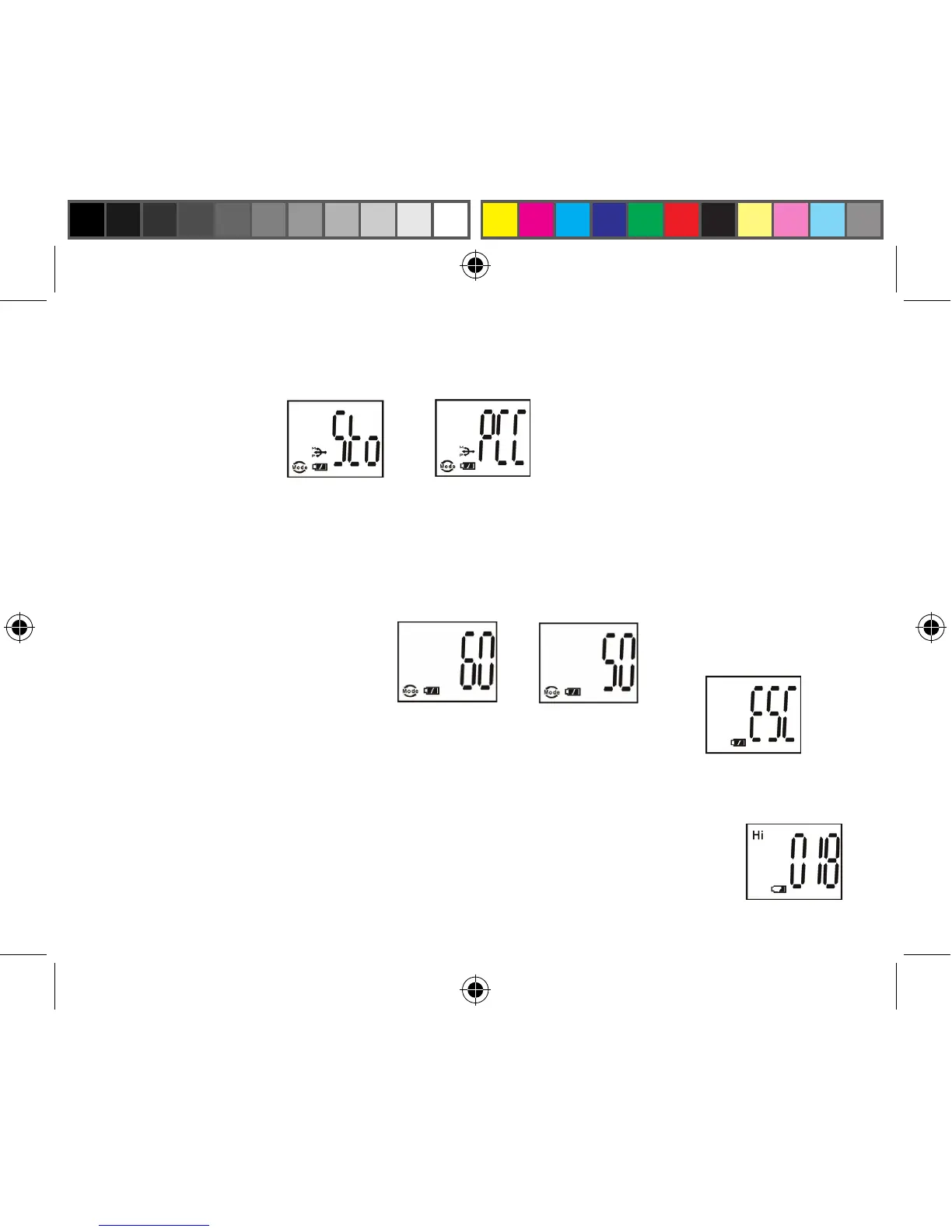
b. Select the STO (Mass Storage) or PCC (PC CAM) mode by pressing the SNAP button. Then press
the MODE button to confirm and enter the next setting.
c. Select 50 Hz or 60 Hz settings for the camera output by pressing the SNAP button. Then press the
MODE button to confirm and enter the next setting. The camera’s default mode is the “60” mode,
which matches the power frequency for the United States. To change to the “50” mode, press the
SNAP button until the “60” changes to “50.” Confirm the selection by pressing the SNAP button.
To avoid any flickering on the picture, the correct power frequency (either 50 or 60) for your country
must be selected.
d. Escape the Setting mode by pressing the SNAP button.
16. The battery mark keeps track of the battery life. If the “Battery” indicator is blinking, it is necessary
to replace the batteries soon. If the batteries are allowed to become fully drained before photos can be
downloaded from the internal memory (but not an SD card), the photos may be lost.



 To Next Page