8
PINSEEKER
™
WITH SLOPE +/-
™
When slope is enabled by sliding the slope switch on the side of the unit up
until “SLOPE” is visible, Bushnell’s patented Slope Technology is displayed.
e Slope +/- mode will automatically compute an angle compensated range
based upon distance and slope angle determined by the laser rangender and
built-in inclinometer. is data is then combined with internal algorithmic
formulas dealing with average club use and ball trajectories. e angle
compensated range provides direction on how to play the shot (i.e. add
distance if an incline, subtract distance if a decline). Slide the slope switch
back down out of slope mode, and your Pro X now conforms to USGA Rule
-, with the slope angle compensated ranging feature removed.
HOW TO USE SLOPE +/-
™
Once in this mode, you will see a “
- - - ” in the eld of view informing you that you are in the Slope +/- Mode. Press
the Power button to obtain distance to the ag or other objects. Once the range is displayed, release the Power button.
Once you have released the power button, a degree of angle and compensated range will be displayed beneath the
standard distance.
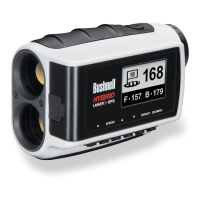
In the example on the next page, the true distance is yards, slope is + degrees,
and the compensated (“play-as”) range is yards. e display would show this:




 To Next Page