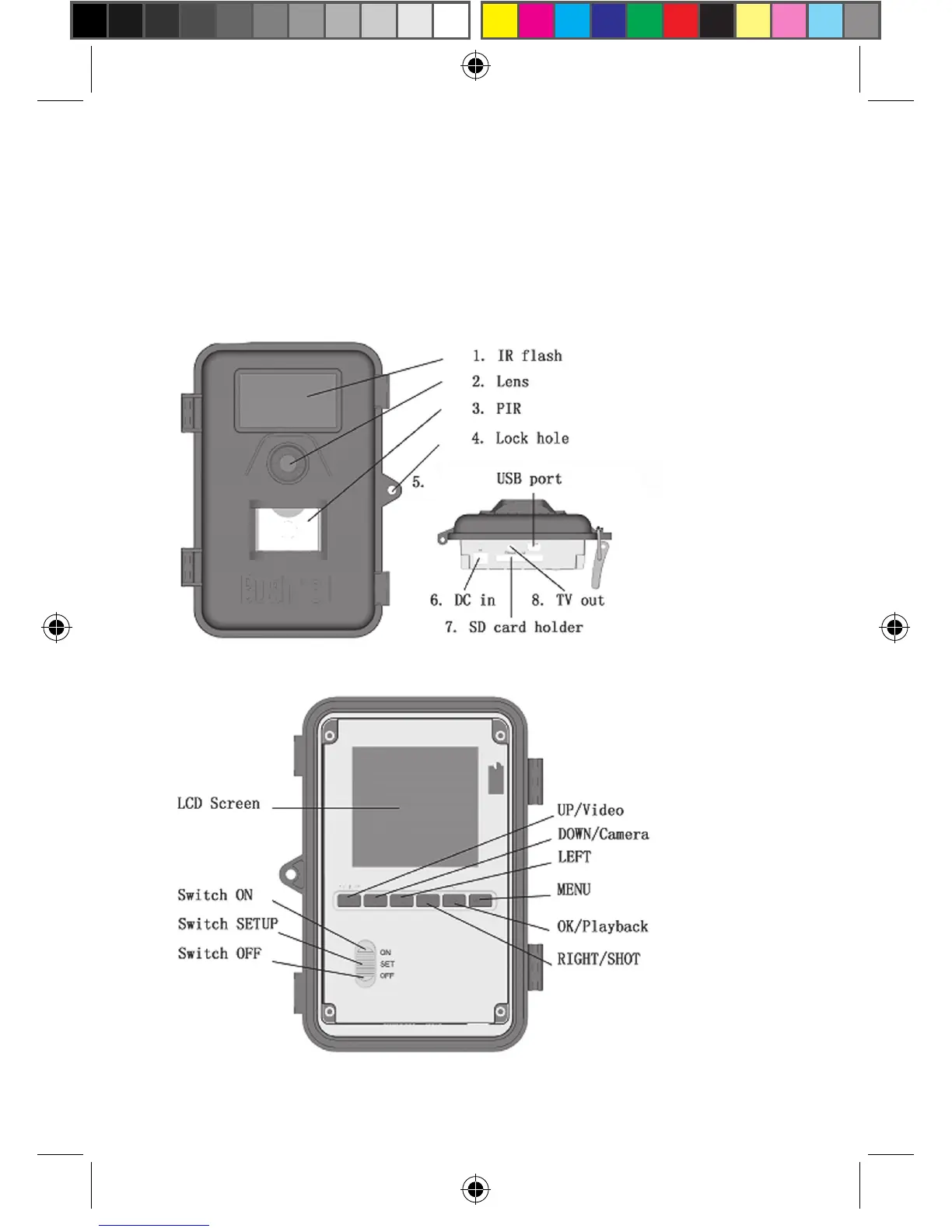
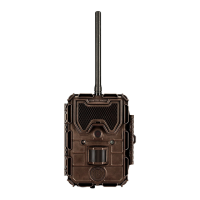
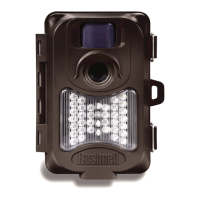
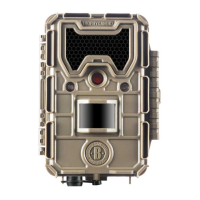
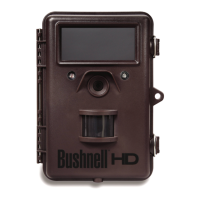
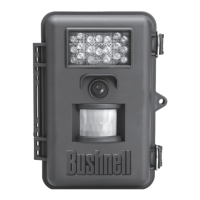
Figure 1: Front view of the Bushnell Trophy Cam
Figure 2: Button and Switch Guide
1.3 Parts (continued)
other ve keys have a second function (for short–cut operations) besides
their original functions (Up, Down, Left, Right and OK”: The “DOWN” key
is also used to set “(still) camera mode” while the “UP” key sets the camera
to “video” mode. The “RIGHT” key also serves as the shutter (“SHOT”) key
of the camera and the “OK” key sets the “Playback” mode.



 To Next Page