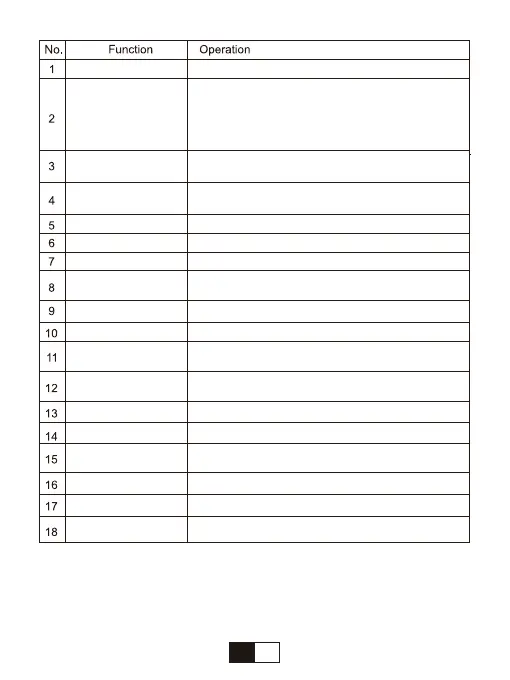
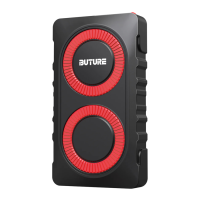
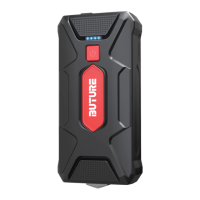
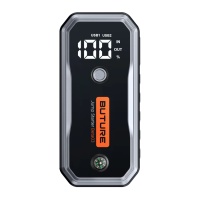
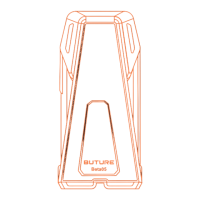
Press the Power Button to turn ON/OFF the device
and show the remaining capacity.
(The device will automatically switch off after
stopping operation or output for 10 minutes.)
Long press the button to turn ON/OFF the LED Light
Show the charging process and remaining power
Activate the LCD Air Pressure Indicator.
Switch the unit of output air pressure.
Display the air pressure of the connected tire.
Display the output air pressure.Pressurize
Pressurize
Decompress
Illumination
Connect car tires
Charge your phone, tablet, camera, etc.
Charge your phone. tablet, camera, etc.75% faster
than a standard charge
power your other devices
Recharge the jump starter
Insert the plug of the clamp completely
Show the work status of the battery clamp
Connect to the positive terminal of the car battery
Connect to the negative terminal of the car battery
Insert the plug of the clamp completelyInsert the
plug of the c
lamp completely
Turn ON / Turn OFF the air compressor(Use after
setting the output air pressure)
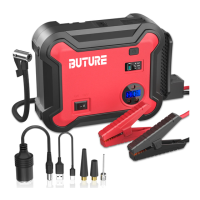
LCD Power Indicator
Power Button
R Button
LCD
Air Pressure Display
- Button
LED Light
ON/OFF Button
Air Hose
USB Output Port 2
USB Output Port 1
DC 12V-16V/10A
Output Port
Type-C Input
EC5 Output Port
Battery Clamp Plug
LED Indicator
Red Battery Clamp
Black Battery Clamp
+ Button
04
EN


 To Next Page