Need help?
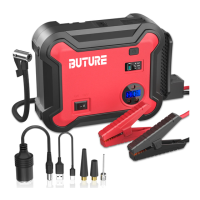
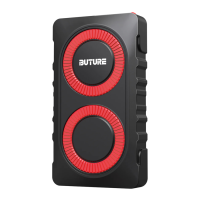
Do you have a question about the BUTURE BR800 and is the answer not in the manual?
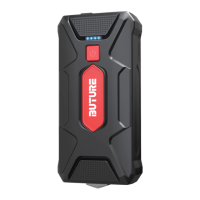
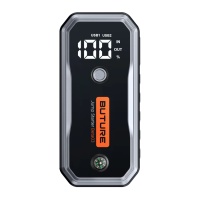
Press the power button to check the capacity of the Jump starter. Indicator Lights show battery level (25%,50%,75%,100%).
Use the original manufacturer's USB cable to charge your phone or tablet via the USB Output at 5V/2.4A. Press the power button to begin charging or check battery level.
 General
| Brand | BUTURE |
|---|---|
| Model | BR800 |
| DC Output | 12V/10A |
| LCD Display | Yes |
| Operating Temperature | -20°C to 60°C |
| Suitable Vehicle | Up to 8.0L Gas/Diesel Engines |
| LED Flashlight | Yes |
| USB Output | 5V/2.4A |
| Compatibility | 12V and 24V vehicles |
| Installation | Professional installation recommended |

 To Next Page