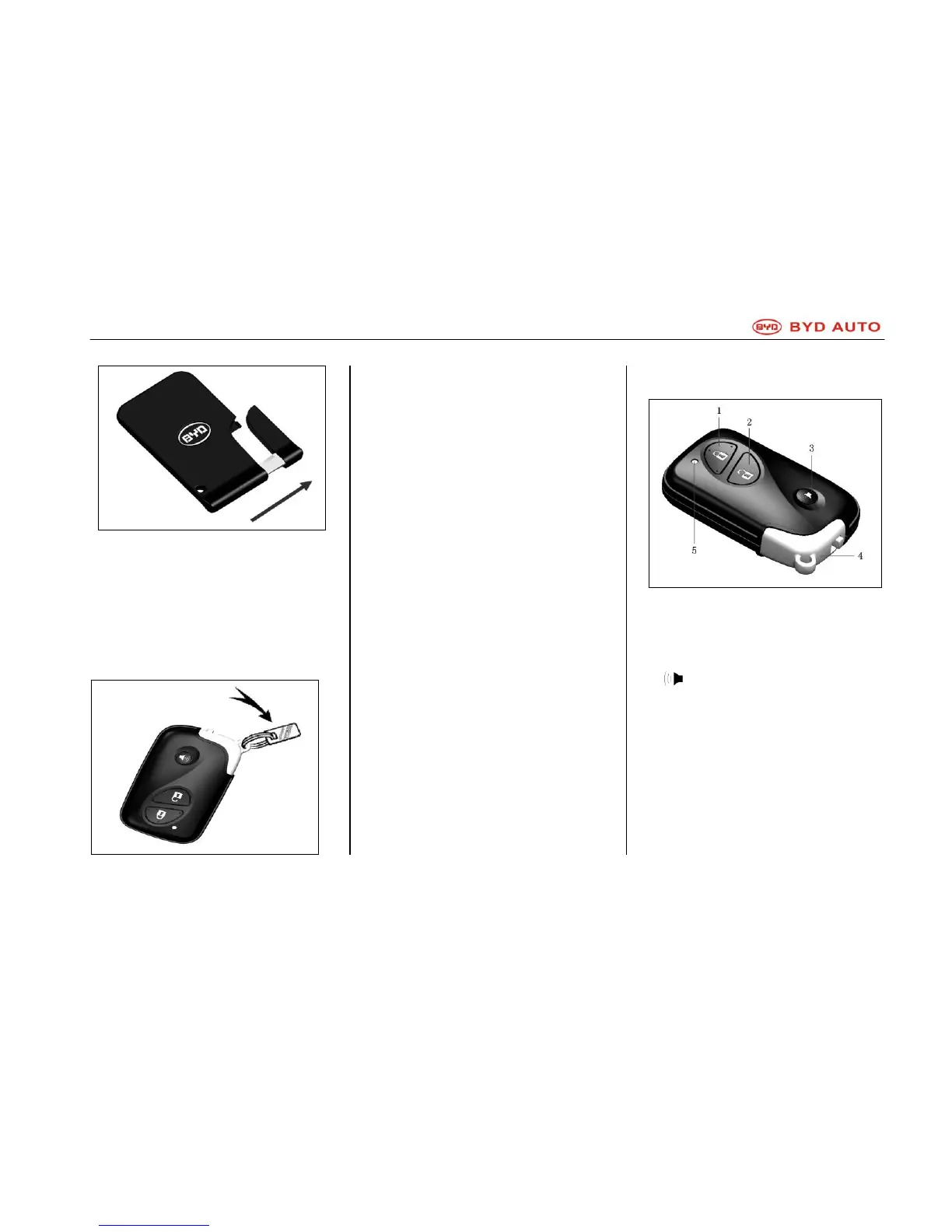
Using Mechanical Key in Card-type
Intelligent Key
To use mechanical key in card-type
intelligent key, pull out the key as
shown in the figure. Make sure to put
back the mechanical key after use.
Key Number Plate
The key number is indicated on the
number plate, which shall be kept
separately at a safe place.
If the key is lost or you need to make
a spare key, BYD service station can
reproduce a key according to the key
number.
It is recommended to take note of the
key number and keep it at a safe
place.
Wireless Remote Control
Electronic Intelligent Key
1. Lock UP Switch
2. Unlock Switch
3. switch
4. Mechanical key
5. Indicator
Wireless remote control system is
designed to open/lock all side doors
at a distance of some 1m from the car
together with some additional
functions. It is available only on
electronic intelligent key.



 To Next Page