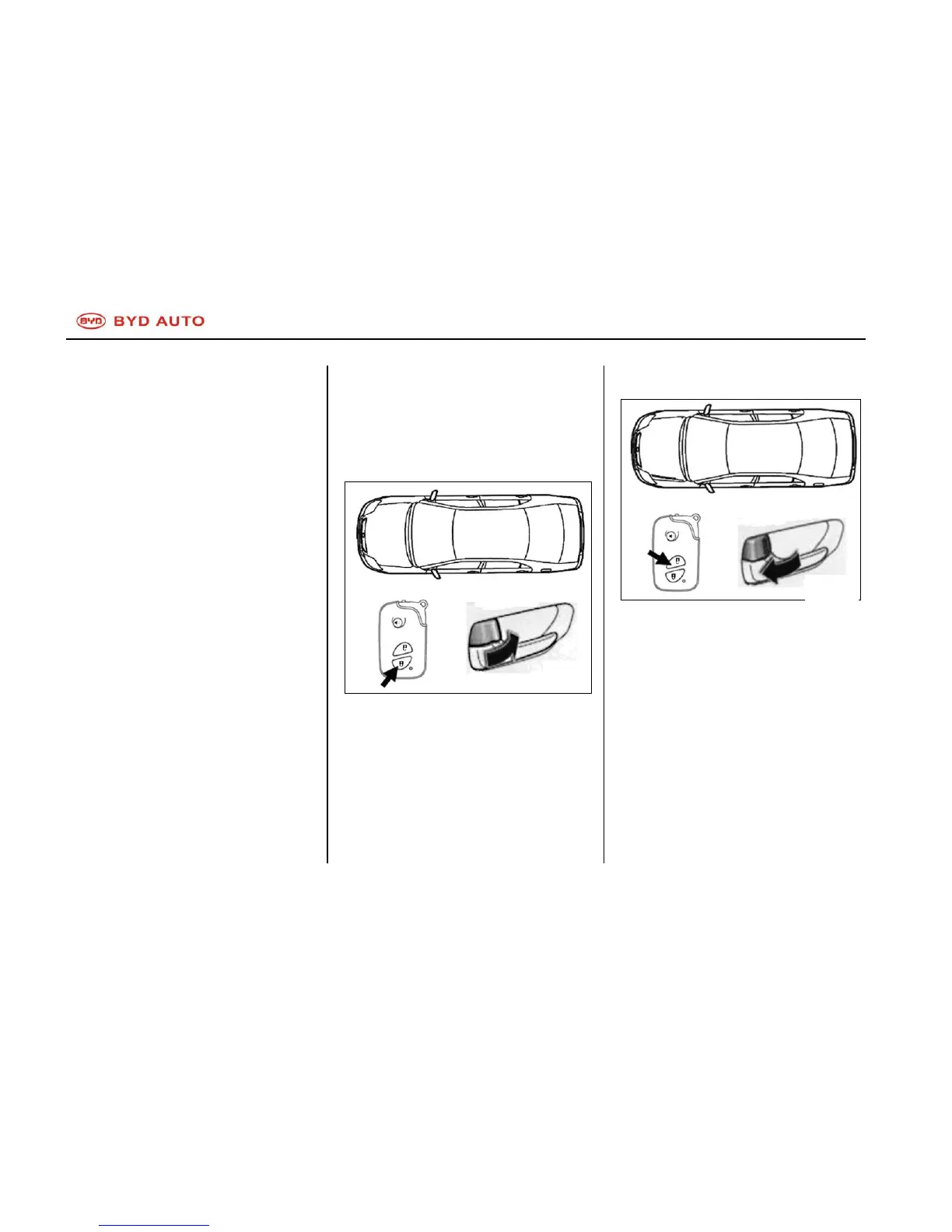
When operating, please press the
switch slowly and firmly.
Electronic intelligent key includes
electronic components. Please follow
the following instructions to avoid any
damage to the key.
Do not place the key in high
temperature, such as on the
instrument panel.
Do not disassemble it.
Do not knock the key forcibly
and drop it to ground.
Do not submerge the key in
water.
You can register spare keys for the
car. For more detailed information,
please contact BYD service station.
If the electronic key cannot function
well in normal operation range, or
when the indicator on the key is dim
or off:
Check whether there is radio
station or transmitter nearby
which may interfere with the key.
Battery may have depleted.
Check the battery in the key. To
replace the battery, please see
―Replace Battery of Electronic
Intelligent Key‖.
If you lose the electronic intelligent
key, please contact BYD service
station as soon as possible to prevent
the car from stealing.
Locking Operation
Unlocking Operation
To lock/unlock all doors at the same
time, press down the switch on the
key slowly and firmly.
Lock: press down locking switch to
lock up all doors. The turn signal lights
will flash once.
Check whether all doors have been
locked up firmly.
If any door is still open, use lock-up
switch to unlock all door locks. When
unlocking, the turn signal lights will



 To Next Page