HS-100B
USB Audio Demo Board User Manual V1.0
Worldwide Solution That Touch People’s Hearts! - 7 -
SECTION 2 GETTING STARTED
2.1 Board as USB Audio Device
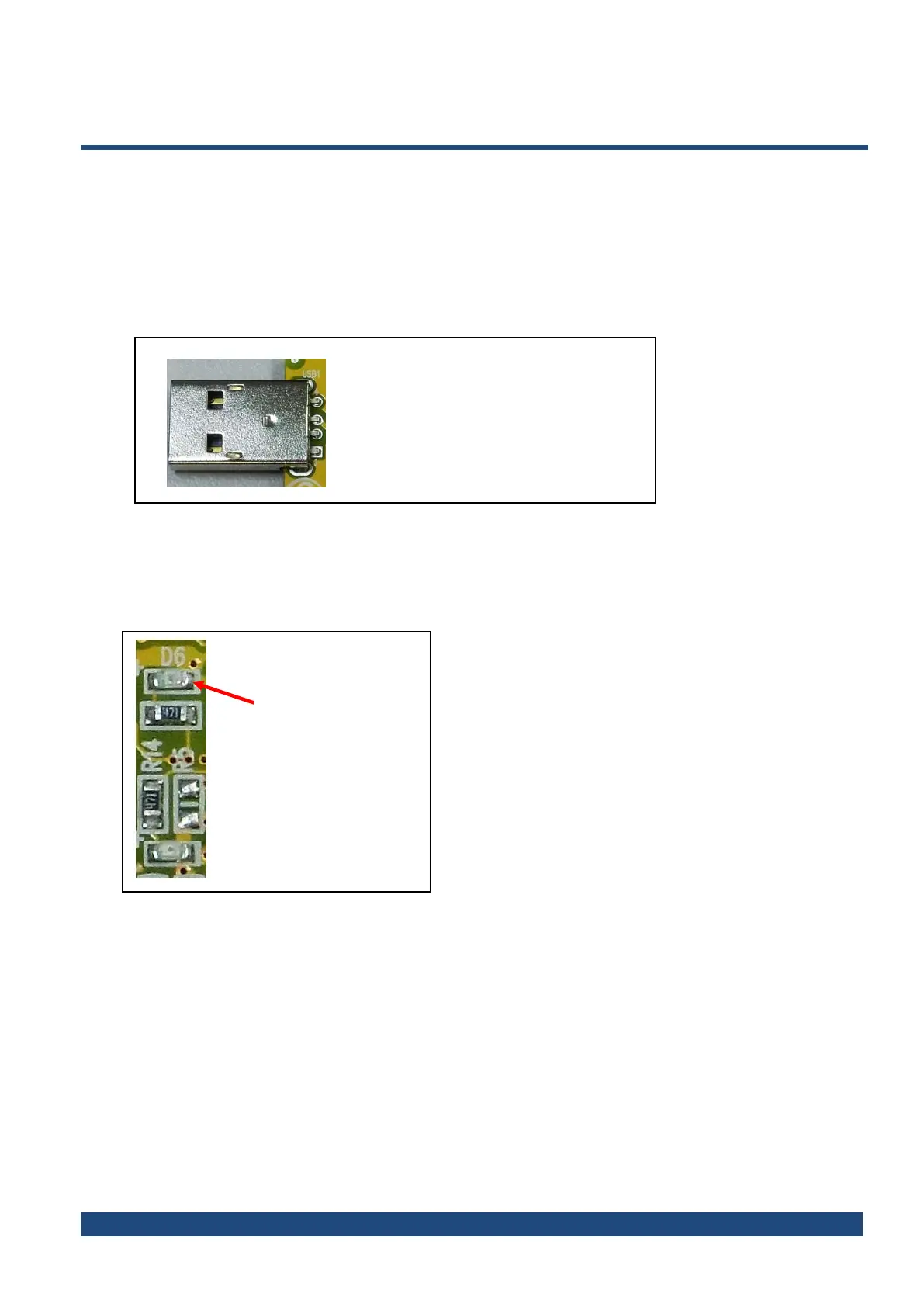
1. Connect the demo board to the host PC by plugging the USB Jack into host’s USB port, as
shown in Figure 2
Figure 2 USB connector
2. Check LED “STATUS” for power-on and current status, as shown in Figure 3.
When the device is connected, the STATUS LED lights still, and when playing/recording, the STATUS flashes.
Figure 3 LED indicators
A type USB connector
Power ON/OFF
and current status



 To Next Page