6
UNDERSTANDING THE PRACTICE MODE & LIBRARY MODE
PRACTICE MODE
LIBRARY MODE
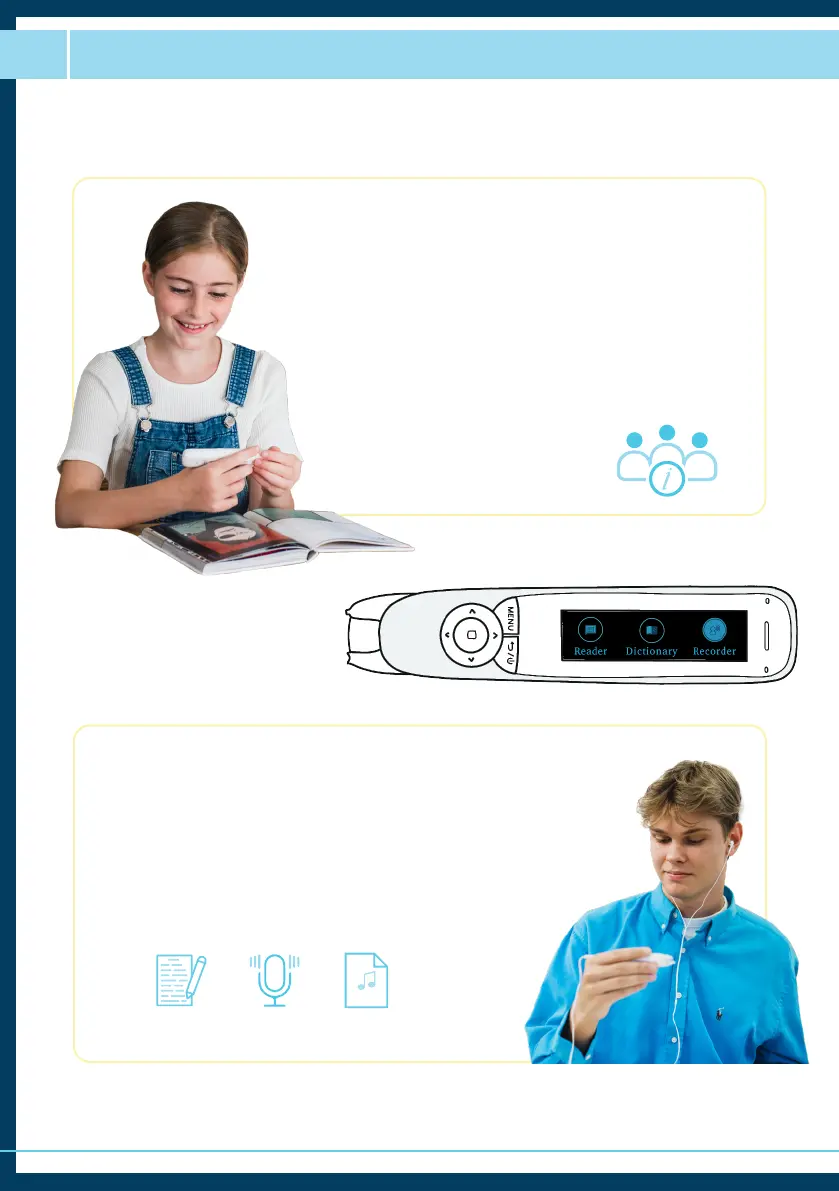
Practice Mode is a customisable word review mode
that supplements the scan-to-read journey that we’ve
become accustomed to with the original ReaderPen
model.
As well as being able to easily decode the words on the
page and define them, users now have access to create
a list of words that they have investigated further by
either highlighting or defining words in their normal
use, which can then be used to inform revision areas,
vocabulary-building and strengthening
word understanding.
The C-Pen Reader 2 has double the storage of the
original ReaderPen, meaning that we can transform
more materials into personal learning supports and
revision supports to take them with us, wherever we go.
The library is where all the information is stored. You
can access saved scanned text, voice recordings or any
MP3 files transferred onto the pen.
MP3



 To Next Page