10
In Keyboard mode, ReaderPen emulates a keyboard. Press Menu to select scan language, then scan to input text. To get the correct symbols, the
keyboard map set on the computer must be the same as the language set on ReaderPen. NO drivers are required to be installed.
Charging
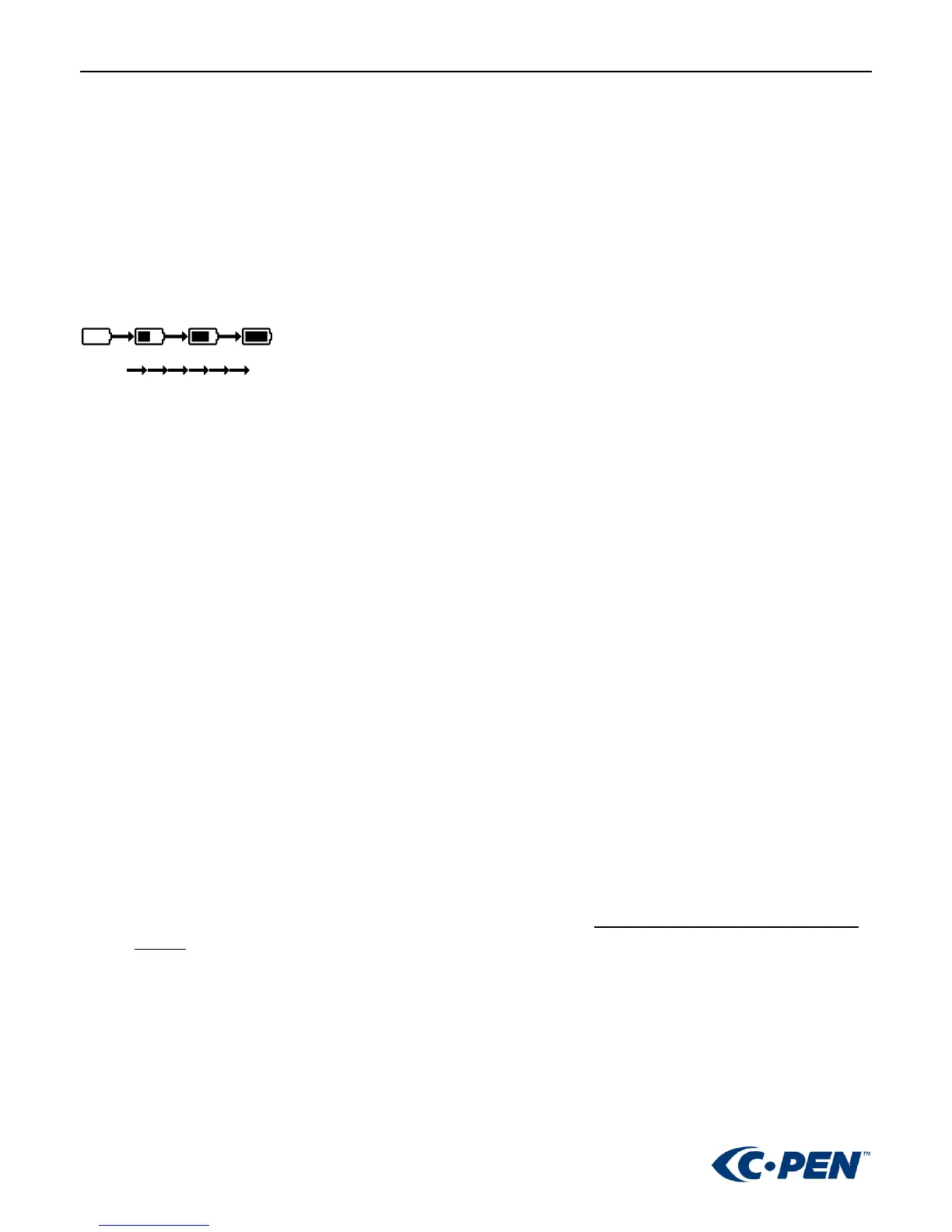
BATTERY INDICATOR
Empty Full
When ReaderPen runs out of battery, you should charge the battery. The pen charges independent of whether it is
powered on or off.
Connect the device to the USB socket of a computer (the computer must be powered on) or an AC adapter (not included
in the package) through a USB cable for battery charging.
The time for power-off charging is around 3 hours.
SAFETY PRECAUTIONS FOR BATTERY USAGE
The lithium battery is hazardous. Any attempt to disassemble the battery is not allowed. If you disassemble or replace
the battery, it may explode. Throwing it into a fire may also cause an explosion. Keep the battery and the device dry,
and away from water or other liquid to avoid short-circuit. Make sure not to use the battery when it is damaged,
deformed, discolored or overheated or emits an odor.
This product should be used with care in tropical regions. If you have questions on how to use the pen, please contact
our technical support/service for help.
BATTERY MAINTENANCE AND PRECAUTIONS
Battery capacity deteriorates over time. To optimize battery life time:
• Charge battery prior to becoming completely empty.
• Do not expose the battery to heat longer than necessary (above 30°C is considered hot).
• Disconnect charger as soon as possible after battery becoming fully charged.
• Especially do not leave battery flat as it may harm the battery.
• Even if the device is not used for a longer period it’s recommended to charge the battery at least every three
months.



 To Previous Page