Page 2
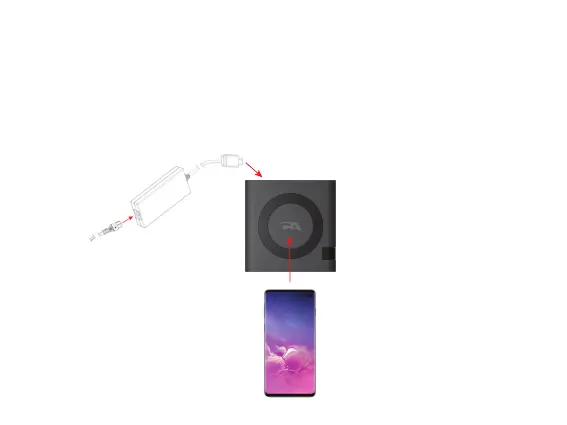
Using CA Essential Micro Docking Station with an Optional USB Type C
AC Power Adapter (Not Included) to Wirelessly Charge your Device
Step 2: Insert the female end of the AC Power
Cable into the connector on the AC Power
Adapter as shown and connect the other
end of the AC Power Cable in a power
source.
Step 1: Insert the USB Type C cable of the AC Power Adapter into
the USB Type C port on the CA Essential Micro Docking Station.
- Standalone wirelessly charging for your devices that support wireless charging (AC Power
Adapter purchased separately).
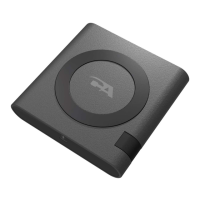
Qi Wireless
Charger
Step 3: Place your device supporting Wireless
charging on the top of the CA Essential
Micro Docking Station.


 To Next Page