SimPal-T4 POWER SOCKET USER MANUAL
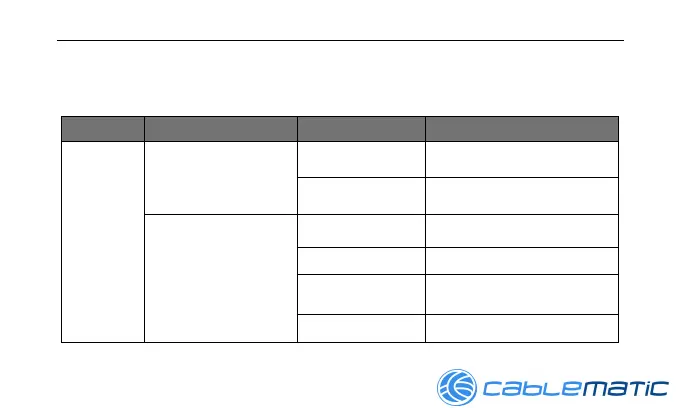
1.3 Light indicator
Model Indicator Action Status
SimPal-
T4
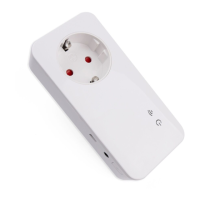
Power icon indicator
Turning off Socket power output OFF
Constant light Socket power output ON
Wireless icon indicator
Flash slowly
Searching GSM network
Slowly breath Working in standby mode.
Continues light in
3 seconds
Rest to factory setting
Flash fast Process SMS command


 To Next Page