12
6.7.2 Cactus V5 Wireless
Shutter Release
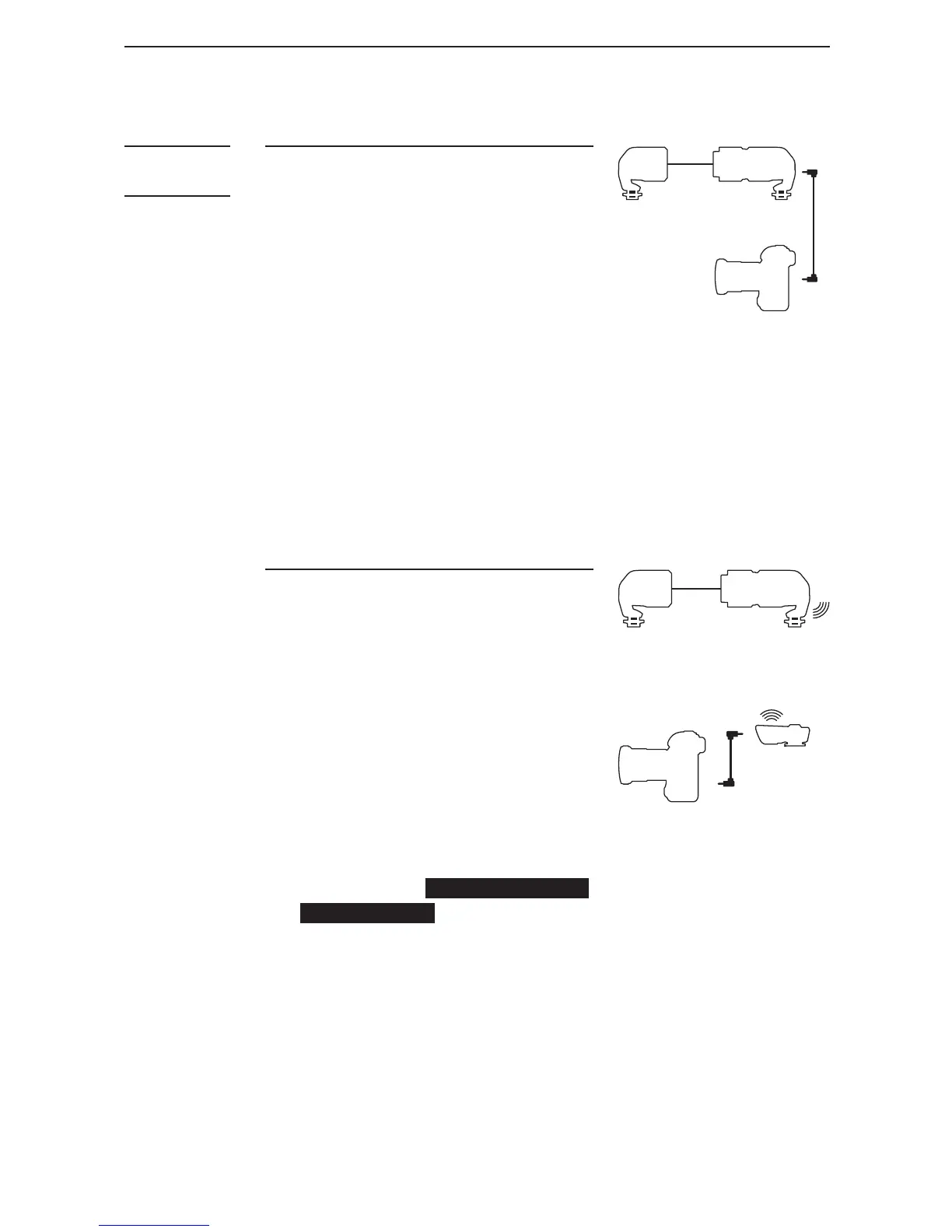
1. Connect the shutter release
cable (optional) to the Cactus
V5 X-Sync Port.
2. Plug the other end of the
shutter release cable into the
camera’s shutter release port.
3. Adjust both the Sensor and
the V5 Receiver (RX) to the
same channel by using the
channel dial BEFORESWITCHING
ONTHESENSOR.
4. The Sensor sends a radio
signal to the V5, but be sure
to place the camera within the
100m suggested operating
distance.
EMITTER
CAMERA
V5 RX
SENSOR
6.7
Connecting
LV5 Sensor
to the
Camera
6.7.1 Direct Cable Connection
1. Connect the shutter release
cable (optional) to the
Sensor’s shutter release port.
2. Plug the other end of the
shutter release cable to the
camera’s shutter release port.
3. The Sensor sends a signal
to the camera directly via the
shutter cable, so the distance
between the Sensor and the
camera is limited by the
length of the shutter release
cable.
EMITTER SENSOR
SENSOR



 To Next Page