13
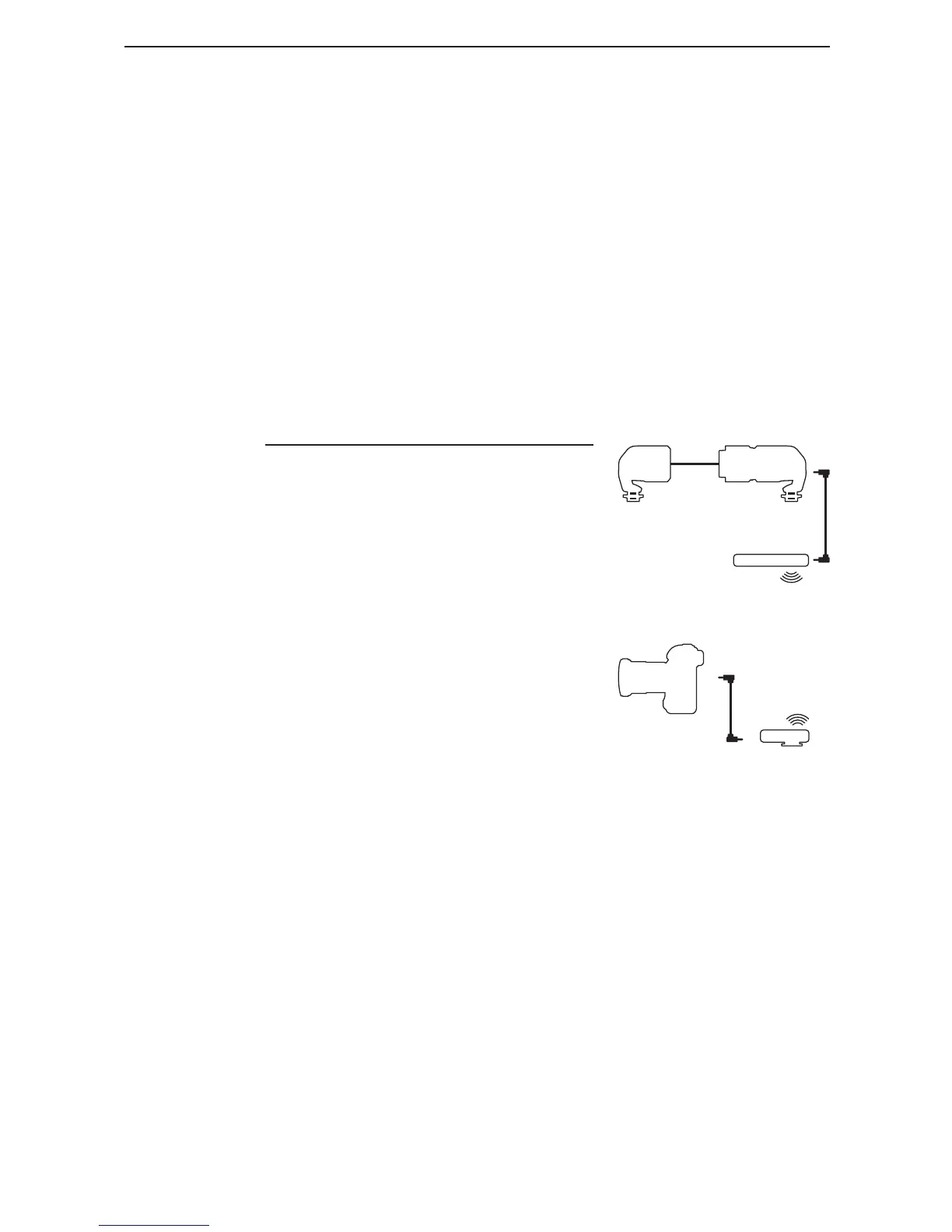
6.7.3 Third-Party Wireless
Shutter Release
1. Connect a third-party wireless
shutter release transmitter to
the Sensor using a 3.5mm
shutter release cable.
2. Plug the third-party wireless
shutter release receiver to
the camera’s shutter release
port.
3. The Sensor sends a signal
to the third-party transmitter,
so distance between LV5 and
the camera depends on the
operating distance of the
third-party wireless
shutter release.
EMITTER
CAMERA
SENSOR
THIRD-PARTY
TRANSMITTER
THIRD-PARTY
RECEIVER
5. Cactus V5’s Multi-Channel
Triggering also applies to
LV5, triggering up to four (4)
groups of V5 transceivers
separately or all at once.
To make use of the multi-
channel triggering feature,
set LV5 to Channel 1 and V5
transceivers to a channel in
blue (i.e. Channels 1 to 5)



 To Next Page