41
delay timer delays the trigger
response for the time period set. If
you wish to f i r e t h e a s h a bit l at e r
than the f irst curtain sync to create
a different lighting effect (e.g. to
achieve a second curtain sync), the
delay timer helps you create the
effect.
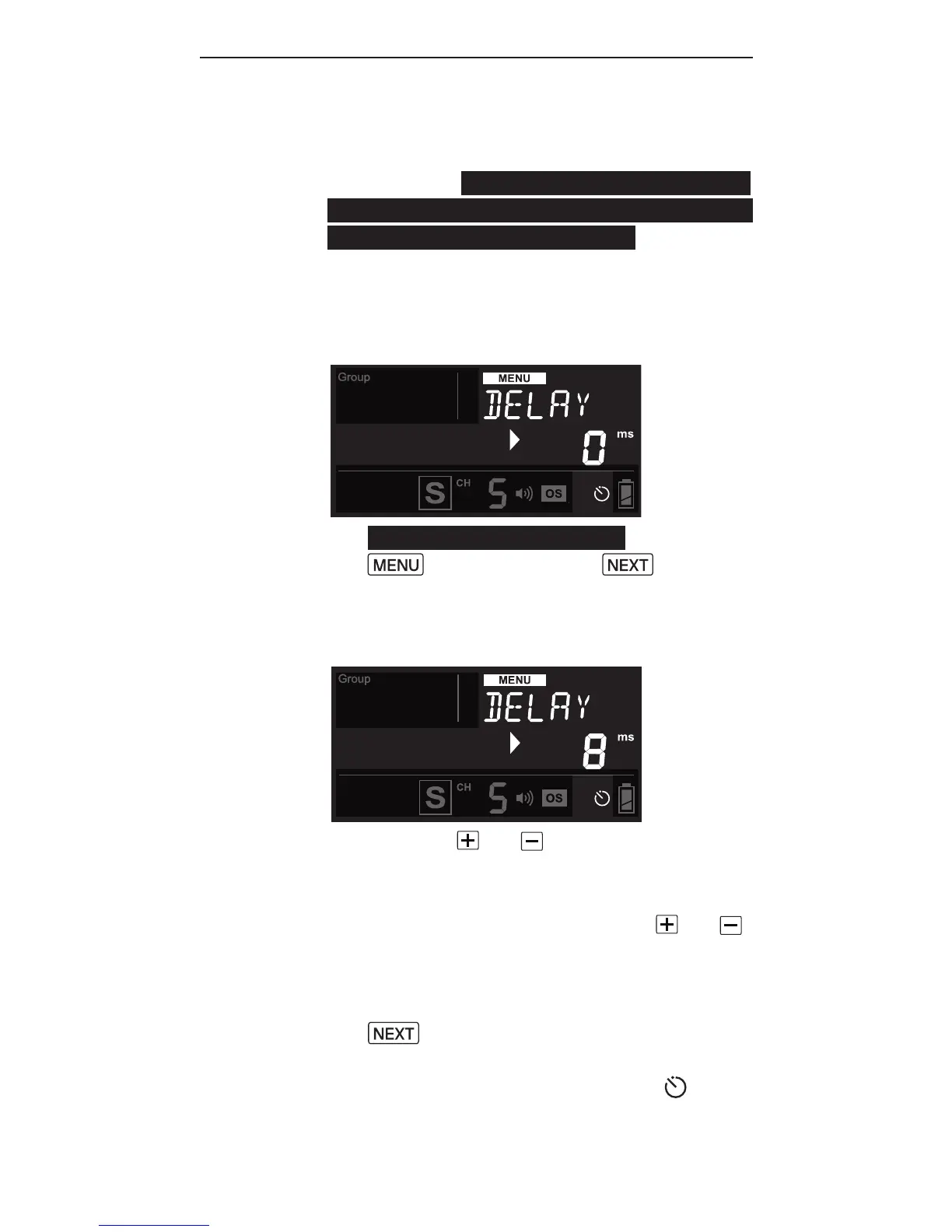
1. To set the delay timer, press
then press the button
until <DELAY> is displayed and
the selection indicator ► points
to the value in ms.
2. Use the or button to set the
delay timer from 1 millisecond
(ms) to 99 seconds (sec).
3. Pressing and holding the or
button will automatically speed
up the key effect and make faster
changes. Pressing and holding
will reset the delay time
to 0.
4. The delay timer indicator will
show on the main screen status



 To Next Page