43
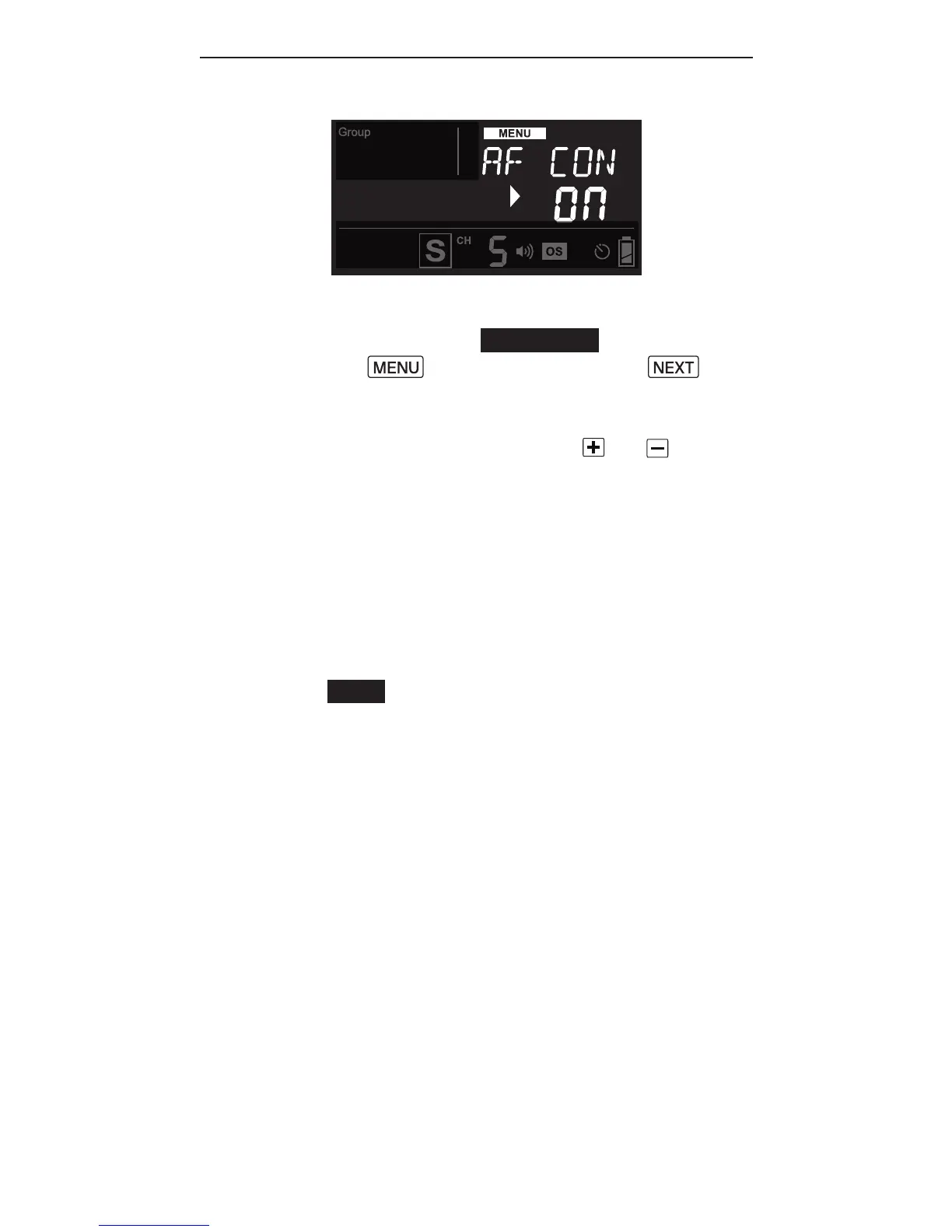
3. In Local or Master mode, use
AF-assist continuous lig ht. Press
and then press the
button until <AF CON> (short form
for AF-assist Continuous mode) is
displayed. Use the or button
to turn on or off the AF-assist
continuous mode.
4. In Slave mode, the RF60X will
synchronize the AF-assist
command with the V6 II or V6 IIs
in TX mode, or the RF60X in Master
mode. No setup is required.
Note: In AF-assist continuous mode,
the LED light will switch off
automatically before a ash is f ired
to prevent the AF-assist light from
being exposed in the picture. The LED
will switch off for one second.



 To Next Page