50
3. Mount one of the V6 RXs onto the camera’s
hot shoe, and also connect the V6 RX to
the camera’s shutter release port with
an appropriate shutter release cable
(optional). Connect the other V6 RXs to
t h e a s h u n it s.
4. On the on-camera V6 RX, press . Turn
the selection dial to <RELAY>. Press .
T u r n t h e s e le c tio n d i a l t o < O N >. P r e s s
to conf irm and then press to
return to the main screen. The relay
m o d e i n d i c at o r <R E L - C > w i l l a p p e a r o n
the main screen.
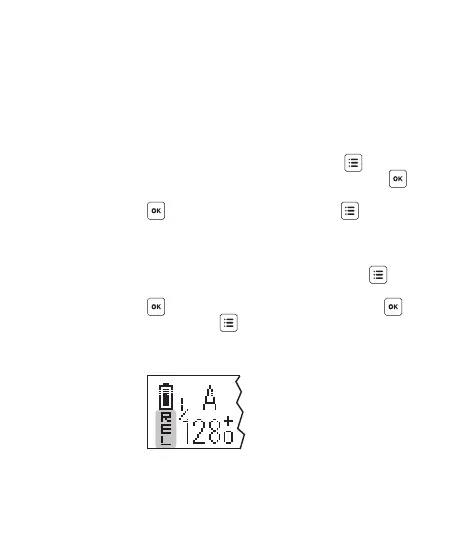
5. In the handheld V6 TX unit, press .
T u r n t h e s e le c tio n d i a l t o < R E L AY>. P r es s
a n d t u r n t h e d i a l t o < O N >. P r e s s ,
then press to return to the main
screen. The relay mode indicator REL
will replace the channel indicator.



 To Next Page