I. GETTING STARTED __
Powering up the CaddyTrek
1. Sync handset to CaddyTrek
a. Turn on the handset
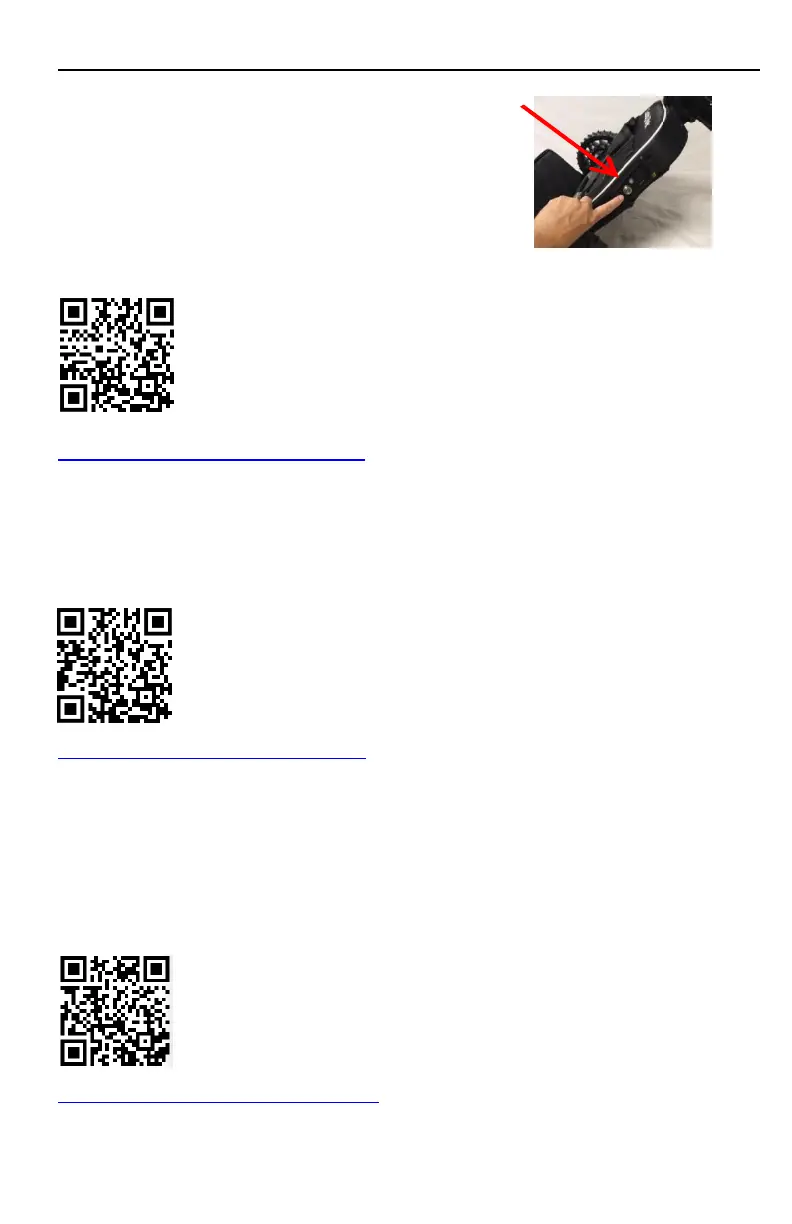
b. Turn on the unit
Watch Video (scan QR code or click on link below):
https://youtu.be/X-S-RV5U7-I
Note: If all four lights on handset light up green, then you are NOT
paired to the unit.
2. Pairing handset to CaddyTrek
Watch Video (scan QR code or click on link below):
https://youtu.be/r1n_JewbJKo
Using the Anti-Tipping Wheel
1. You must open anti-tipping wheel before using cart.
2. Use hand to pull out anti-tipping wheel assembly.
3. Use foot to fold back in.
Watch Video (scan QR code or click on link below):
https://youtu.be/FhKDpHAQ6lQ
Pg. 4



 To Next Page