EasyManua.ls Logo

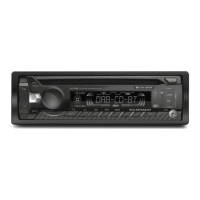
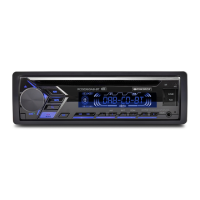
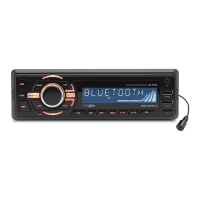
Caliber RCD110 - User Manual

Caliber RCD110
17 pages
Print Icon
To Next Page IconTo Next Page
Loading...
CAR CD/MP3 PLAYER / RDS RECEIVER
WITH
USB INTERFACE, SD INTERFACE
AUX
USB
INT
2
6
5
RDM
4
RPT
3
OP EN
MENU
MOD E
ID3
DIS P
1
BAN D
PS
PTY
AS
MUTE
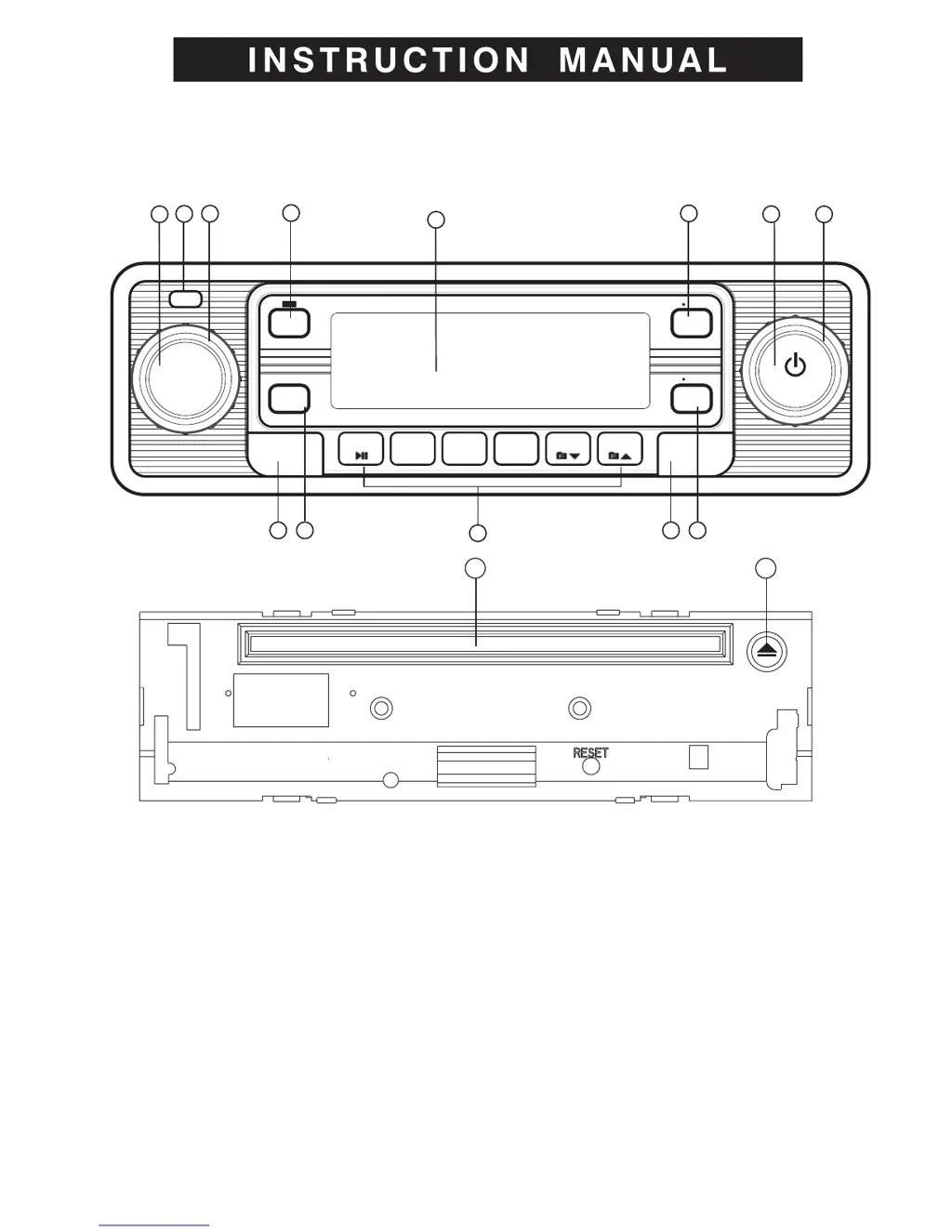
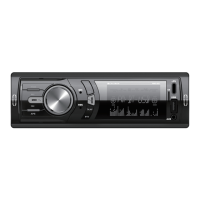
1. PANEL RELEASE BUTTON
2. ENCODER VOLUME KNOB
3. SYSTEM MENU BUTTON
4. PRESET MEMORY BUTTONS
5. ENCODER TUNING UP/ DOWN & TRACK UP / DOWN BUTTON
6. POWER / MUTE BUTTON
7. MODE BUTTON
8. BAND/ BUTTON / PTY BUTTON
9. AUTOMATICALLY STORE / PRESET SCAN (AS/PS) BUTTON
10. DISPLAY BUTTON / MP3/ID3 INFORMATION BUTTON
11. RADIO SIGNAL STREGTH METER
12. EJECT BUTTON
13.CD SLOT
14. USB COVER / FLIP OPEN TO ACCESS TO USB SOCKET
15. AUX-IN JACK ON FRONT PANEL
2
1
3
5
6
715
10
9
8
14
11
4
13 12

Questions and Answers

  • F
    Felicia RamirezAug 8, 2025
    Why is there no sound coming from my Caliber RCD110 Car Receiver?
    • C
      christopher92Aug 9, 2025
      If there is no sound from your Caliber Car Receiver, first ensure the volume isn't set to the minimum. If it is, adjust the volume to a desired level. Also, check the wiring connections to make sure they are properly connected.
  • D
    Diana WoodsAug 13, 2025
    What to do if the radio on my Caliber Car Receiver does not work?
    • K
      Karen LawsonAug 13, 2025
      If the radio on your Caliber Car Receiver isn't working or the automatic station selection fails, ensure the antenna cable is firmly inserted. If the signals are too weak, try selecting a station manually.
  • A
    alexander32Aug 18, 2025
    How to stop the sound from skipping on my Caliber RCD110 Car Receiver?
    • M
      Michael HoltAug 18, 2025
      If the sound skips on your Caliber Car Receiver, adjust the installation angle to less than 30 degrees. Also, the disc may be extremely dirty or defective; in this case, clean the compact disc or try to play a new one.
  • W
    William SmithAug 25, 2025
    How to fix a Caliber RCD110 Car Receiver that has no power?
    • A
      Amy McclureAug 25, 2025
      If your Caliber Car Receiver has no power, first check if your car ignition is on. If the power supply is properly connected to the car accessory terminal, switch the ignition key to “ACC”. If the issue persists, the fuse may be blown, in which case you should replace it.
  • W
    wigginsbradleyAug 28, 2025
    Why won't my Caliber Car Receiver load or eject discs?
    • J
      Jamie MorrisonAug 28, 2025
      If your Caliber Car Receiver won't load or eject a disc, make sure there isn't already a CD inside the player. If there is, remove it before inserting a new one. Ensure the disc is inserted with the label facing upward. Check if the compact disc is extremely dirty or defective; if so, clean it or try a new one. If the temperature inside the car is too high, cool off the car until the ambient temperature returns to normal. Finally, condensation may be the issue; leave the player off for about an hour, then try again.
  • E
    Erika RodriguezSep 2, 2025
    What to do if the operation keys on my Caliber RCD110 Car Receiver do not work?
    • H
      heathdustinSep 2, 2025
      If the operation keys on your Caliber Car Receiver do not work, press the RESET button. Ensure the front panel is properly fixed into its place.

Caliber RCD110 Specifications

General IconGeneral
Power Output4 x 75W
Audio Formats SupportedMP3, WMA
TunerFM/AM
BluetoothYes
USB PortYes
Aux InputYes
Display TypeLCD
TypeCar Receiver
Number of Channels4
DIN Size1 DIN
Product ColourBlack
DisplayLCD
Number of Preset Stations18 FM / 12 AM

Related product manuals