EasyManua.ls Logo

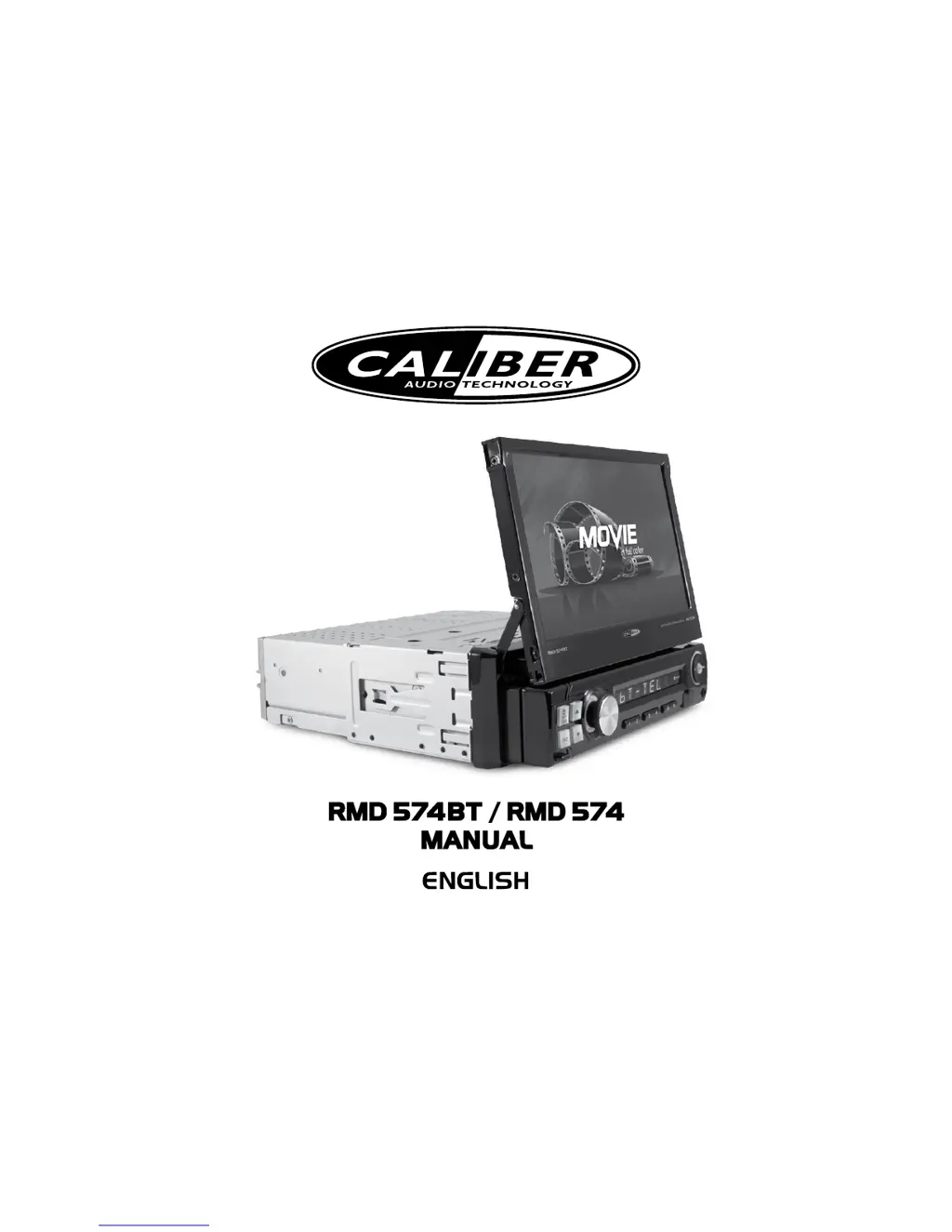
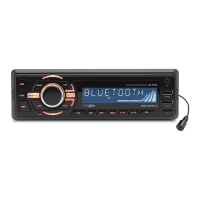
Caliber RMD 574BT - User Manual

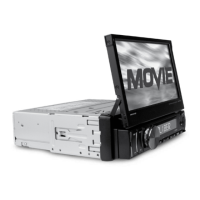
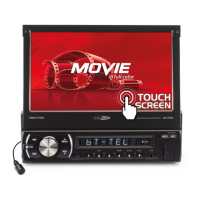
Caliber RMD 574BT
16 pages
Print Icon
To Next Page IconTo Next Page
Loading...

Other manuals for Caliber RMD 574BT

Questions and Answers

  • J
    Jason RodriguezAug 2, 2025
    Why is my Caliber Car Receiver unable to receive radio stations?
    • S
      Shane MurrayAug 2, 2025
      If your Caliber Car Receiver is unable to receive radio stations, ensure the antenna is fully extended and properly connected. Also, verify the antenna is correctly grounded at its mounting location.
  • S
    sarah31Aug 9, 2025
    What to do if Caliber RMD 574BT unit stops responding or shows error in display?
    • S
      Sandy BeasleyAug 9, 2025
      If your Caliber Car Receiver unit stops responding or shows an error, first check the fuse and replace it with the correct type if needed. If that doesn't work, try pressing the RESET button.
  • J
    johnwilliamsAug 17, 2025
    Why does the picture appear grainy on my Caliber RMD 574BT?
    • F
      fuenteskaylaAug 17, 2025
      If you're getting a grainy picture on your Caliber Car Receiver, it might be due to a dirty or damaged disc.
  • E
    edavenportAug 25, 2025
    What to do if there are no pictures on Caliber Car Receiver?
    • G
      George RamirezAug 25, 2025
      If there are no pictures on your Caliber Car Receiver (for external monitor), the video line from the main unit to the monitor may not be connected properly.

Summary

Installation Guide

Installation Warnings and Tools

Critical Installation Warnings

Crucial safety warnings and important notes to follow before and during installation.

Wiring Diagram Overview

Connector A Pin Assignments

Details the pin assignments for Connector A, mapping wires to functions.

Connector B Pin Assignments

Details the pin assignments for Connector B, including power and ground connections.

Wiring Diagram Details

General Wiring Best Practices

Provides essential guidelines for ensuring proper and noise-free electrical connections.

Key Wire Connection Explanations

Explains the purpose and connection points for specific wires like ground, ignition, and remote.

Speaker Wiring Guidelines

Notes regarding speaker impedance, bridging, and proper connection of speaker outputs.

Basic Unit Operations

Radio Operation

Bluetooth Operation

Bluetooth Pairing and Dialing

Steps for pairing a phone via Bluetooth and using the dial pad.

Maintenance and Care

Fuse Replacement Procedure

Guidance on replacing blown fuses, emphasizing correct amperage.

Fuse Replacement Warning

Important warning against using fuses with higher amperage ratings.

Troubleshooting Common Issues

No Power Troubleshooting

Steps to resolve power-related issues, typically involving fuse checks.

Unit Unresponsiveness

How to address situations where the unit stops responding or shows errors.

Radio Reception Problems

Solutions for unable to receive stations or poor reception effects.

Caliber RMD 574BT Specifications

General IconGeneral
BluetoothYes
USB PortYes
Display TypeLCD
DIN size2 DIN
EqualizerYes
Equalizer bands quantity5
Aux inputYes
Rear camera inputYes
Subwoofer outYes
Remote ControlYes
Supported FormatsMP3, WMA
TypeCar radio
Audio output channels4
Supported radio bandsAM, FM
Audio formats supportedMP3, WMA

Related product manuals