EasyManua.ls Logo

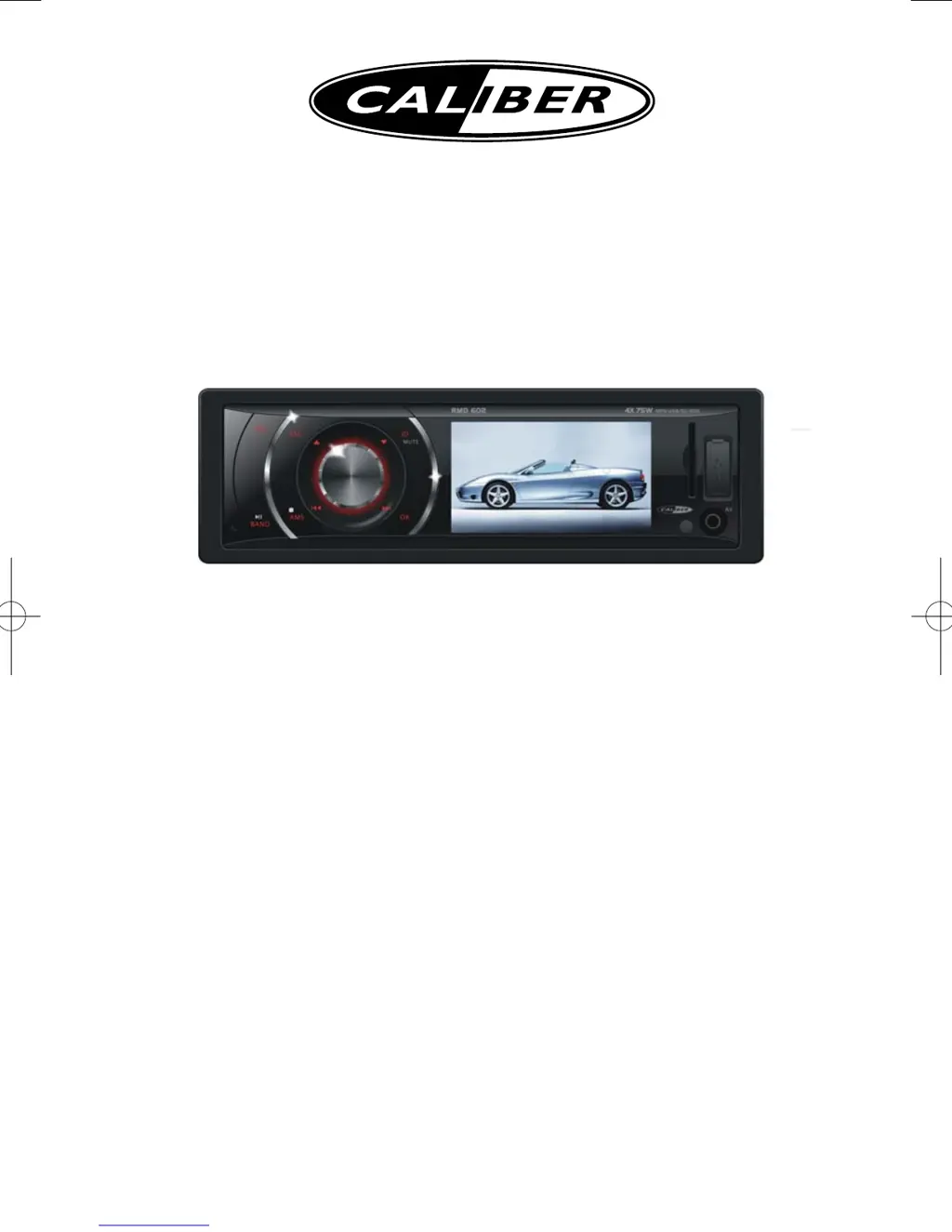
Caliber RMD602 - User Manual

Caliber RMD602
22 pages
Print Icon
To Next Page IconTo Next Page
Loading...
MP3/USB/SD/MMC Player,
with FM/MW Tuner
Operating Instructions
Thank you for purchasing the
RMD602

Questions and Answers

Summary

Safety Precautions

General Safety Guidelines

Important safety instructions for operating and installing the unit to prevent damage or injury.

Panel Controls and Interface Elements

Front Panel Button and Knob Functions

Detailed descriptions of all front panel buttons and the rotary knob functions.

Remote Control System Details

Remote Control Button Functions

Explanation of each button on the remote control and their respective functions.

Radio Mode Functionality

Accessing and Navigating Radio Mode

Switching to radio source and identifying display elements and controls.

Tuning and Station Management

Selecting bands, tuning stations, auto-seeking, and storing/recalling presets.

USB, SD, MMC, and MP3 Playback

Media Insertion and Removal

Instructions for inserting and removing SD/MMC cards and USB devices.

USB, SD, MMC, and MP3 Playback - Media Access

Accessing and Browsing Media Files

Selecting media source and navigating through file/folder lists for playback.

Supported File Type Specifications

List of supported audio, video, and picture formats, including MP3 file details.

USB, SD, MMC, and MP3 Playback - File Types and Playback

Advanced Media Playback Controls

Advanced Media Playback Controls - Playback Operations

Advanced Media Playback Controls - Navigation and Manipulation

Device Connections and Notes

General Connection Precautions

Important notes on avoiding short circuits, securing wiring, and handling fuses.

Wiring Diagram and Installation Details

Main Wiring Diagram and ISO Connector

Visual representation of electrical connections, including ISO wiring modifications.

Troubleshooting Common Issues

General and TUNER Mode Problem Solving

Solutions for unit power, sound, reception, and preset station issues.

USB;SD;MMC and Remote Control Troubleshooting

Troubleshooting for media read errors, insertion problems, and remote control malfunctions.

Caliber RMD602 Specifications

Power IconPower
power supply12VDC (11V-16V)
maximum power output75W x 4 channels
continuous power output20W x 4 channels
Display IconDisplay
display resolution960(W)×240(H) dots
screen size3.0 inch
brightness350 nits
Weight and Dimensions IconWeight and Dimensions
dimensions178 x 50 x 166 mm
weight1.7 kg

Related product manuals