Power Supply
AC Operation (with AC adapter)
Notes
Unplug the AC adapter from the DC socket when you are not using the device.
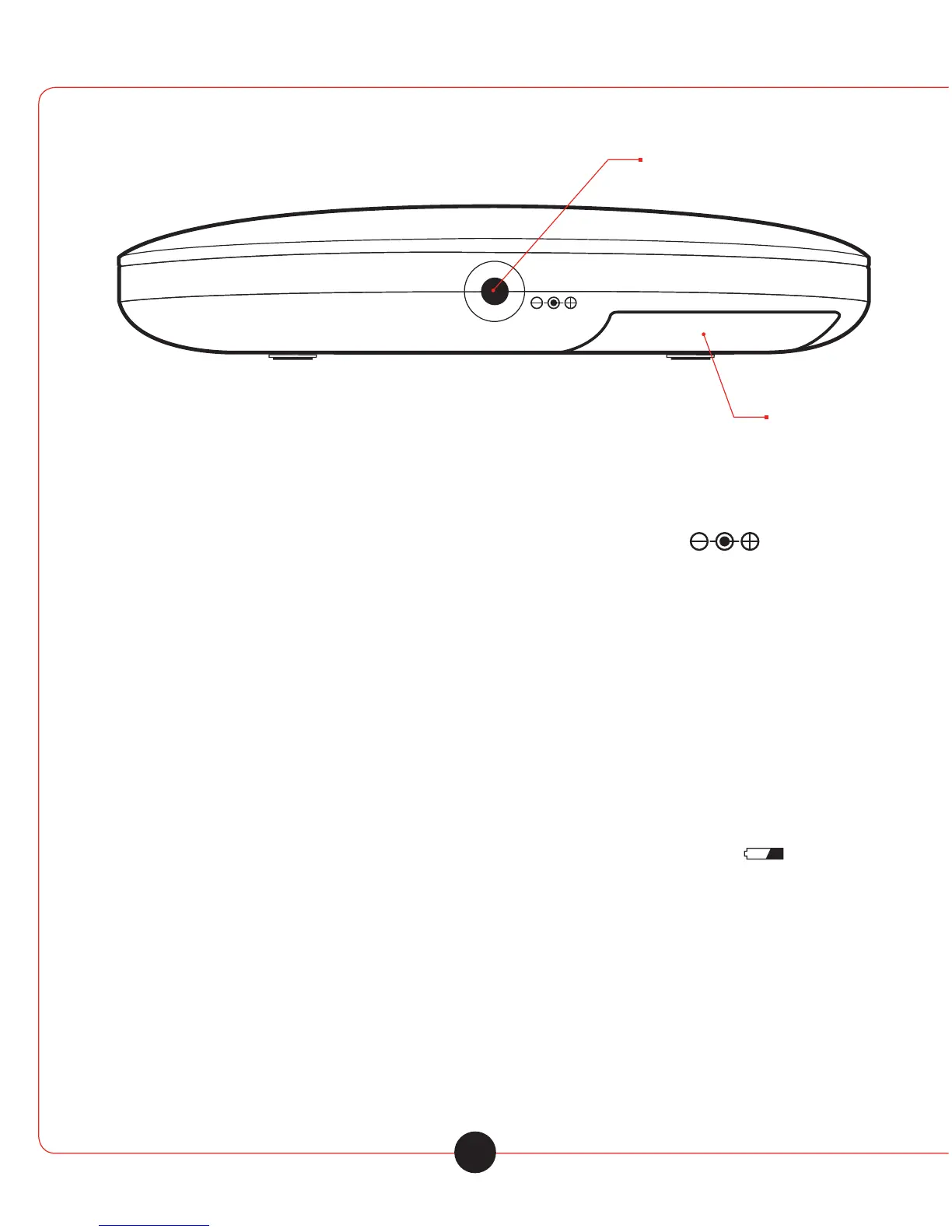
1 Insert the DC plug, at the end of the AC adapter cord into the » DC IN 4.5V « socket.
2 Plug the AC adapter into AC power outlet socket.
Caution: Only operate the device with the power supply provided.
Battery Operation
1 Pull out the AC adapter cable.
2 Open the lid of the battery compart ment on the bottom of the device.
3 Insert two AA batteries in the battery compart ment observing the polarity.
4 Close the battery compartment carefully.
Notes
• The device display tells you about the state of the batteries when low in charge. If » « flashes
in the display, this indicates that the batteries are losing their charge and they must be replaced.
• The batteries are switched o during AC operation. Remove the batteries when they are flat
or when you know that the device will not be used for a long period of time. The manufacturer
accepts no liability for damage resulting from leaking batteries.
Environmental Note
Batteries, including those which contain no heavy metal, should not be disposed of with house hold
waste. Please dispose of used batteries in an environmen tally responsible manner. Find out about the
legal regulations which apply in your area.
5



 To Next Page