Basic Functions
Inserting a disc
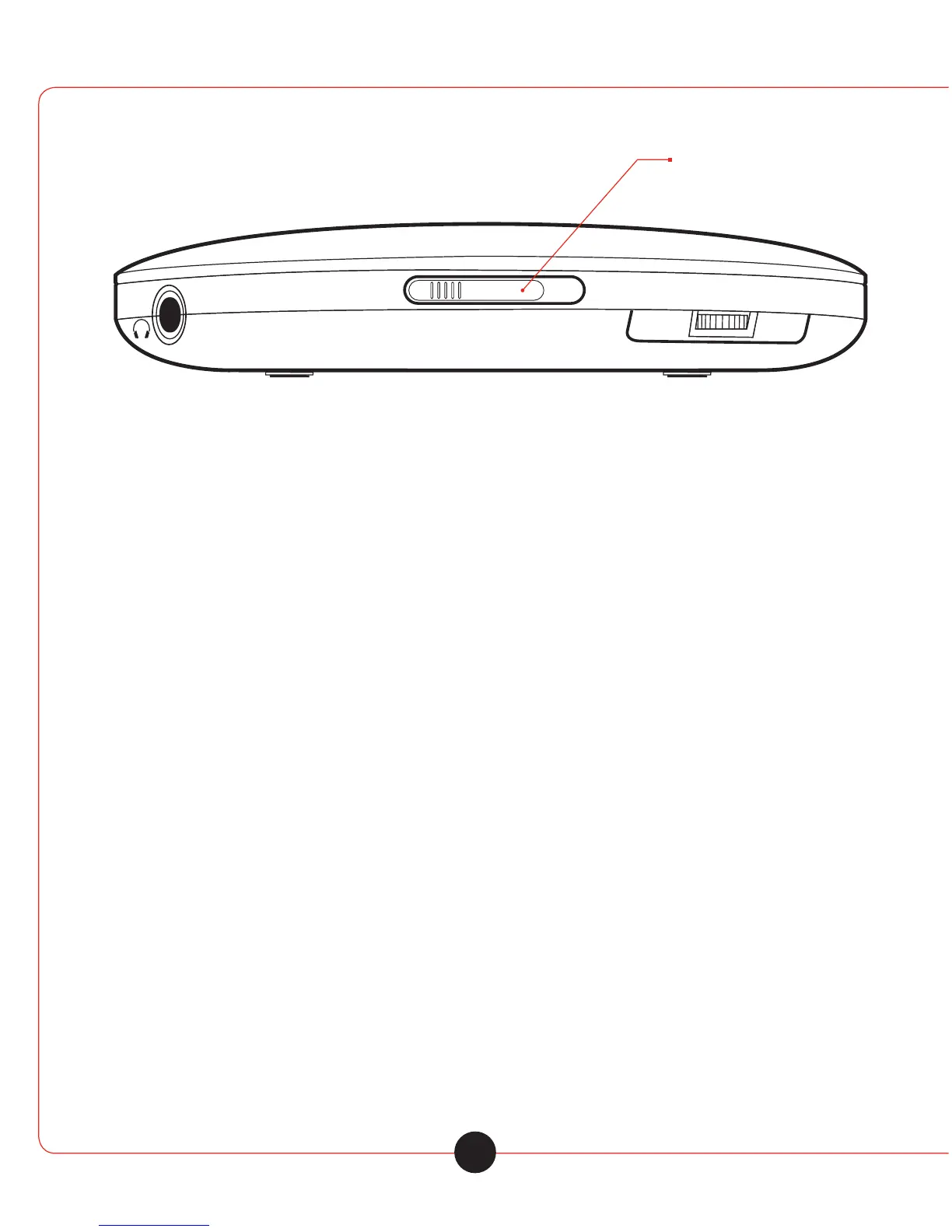
1 Press the »llllluOPEN« sliding switch to the right and open the CD lid.
2 Insert the disc with the label facing upwards and gently push the centre of the disc to latch it into place.
3 Close the CD compartment.
Removing the disc
Note
Press »¢« before you open the CD compartment.
1 Press the »llllluOPEN« sliding switch to the right and open the CD lid.
2 Remove the disc
3 Close the CD compartment.
CD playback
The device automotically recognises the type of disc inserted (CD-DA, CD-R, CD-RW, MP3 CD).
1 Press the »ull« to switch on the device.
- Playback of the disc inserted starts automatically. It begins with the first track or file.
- Display: briefly displays the total number of files, albums or tracks and then the number
of the first file or track and the elopsed play ing time.
2 Use »ull« to switch to playback pause.
-Display: the playing time of the file or track flashes.
3 Continue playback with »ull«
4 Press »¢« to end playback.
5 To switch o the device, press »¢« again.
7



 To Next Page