uPro User Guide (v1.4) ©2009 Callaway Golf Company Page 8 of 45
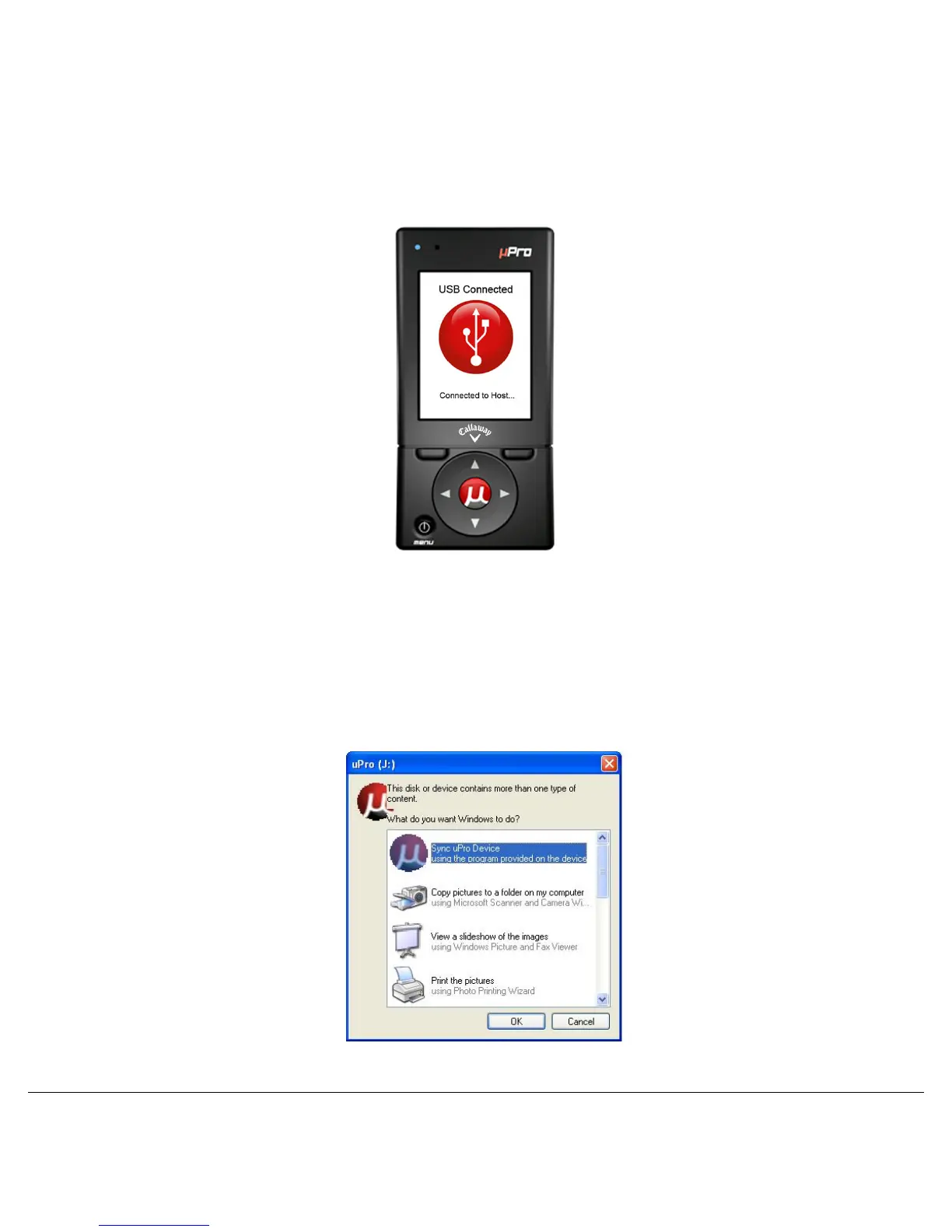
IMPORTANT: Make sure that the uPro is powered on and the LCD screen displays a
message stating “USB Connected” and “Connected to Host…” several seconds after
connecting to the PC. Figure 4
Figure 4: uPro Screen after Connection to PC
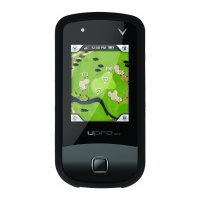
STEP 3a: uPro Sync Autorun (Windows Only)
Once connected, the program launcher will automatically start. The uPro Sync program should be already
highlighted as shown in Figure 5. Clicking “OK” will start the Sync program and the uPro website login
page will launch.
Figure 5: Windows Program Launch - 3a - Autorun


 To Next Page